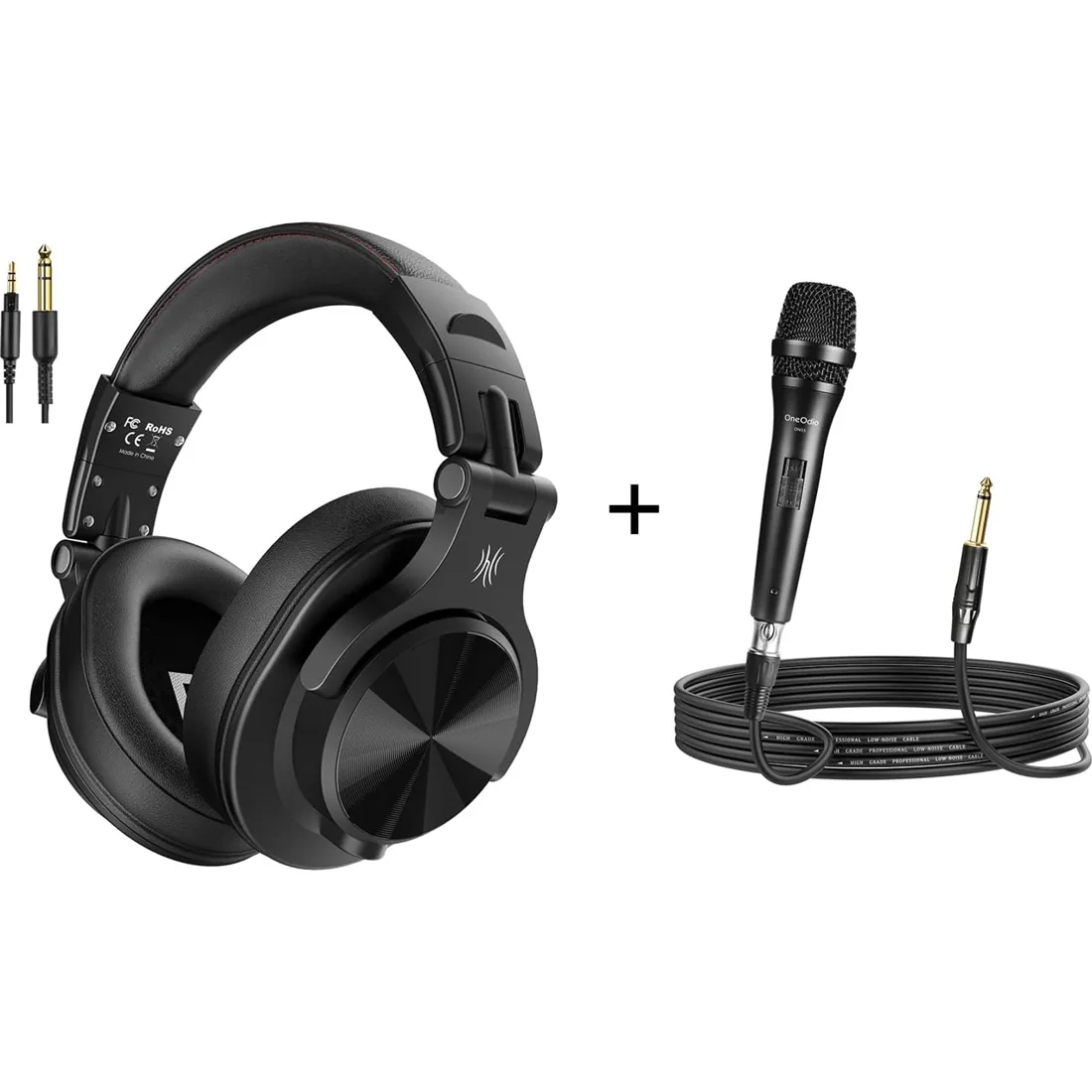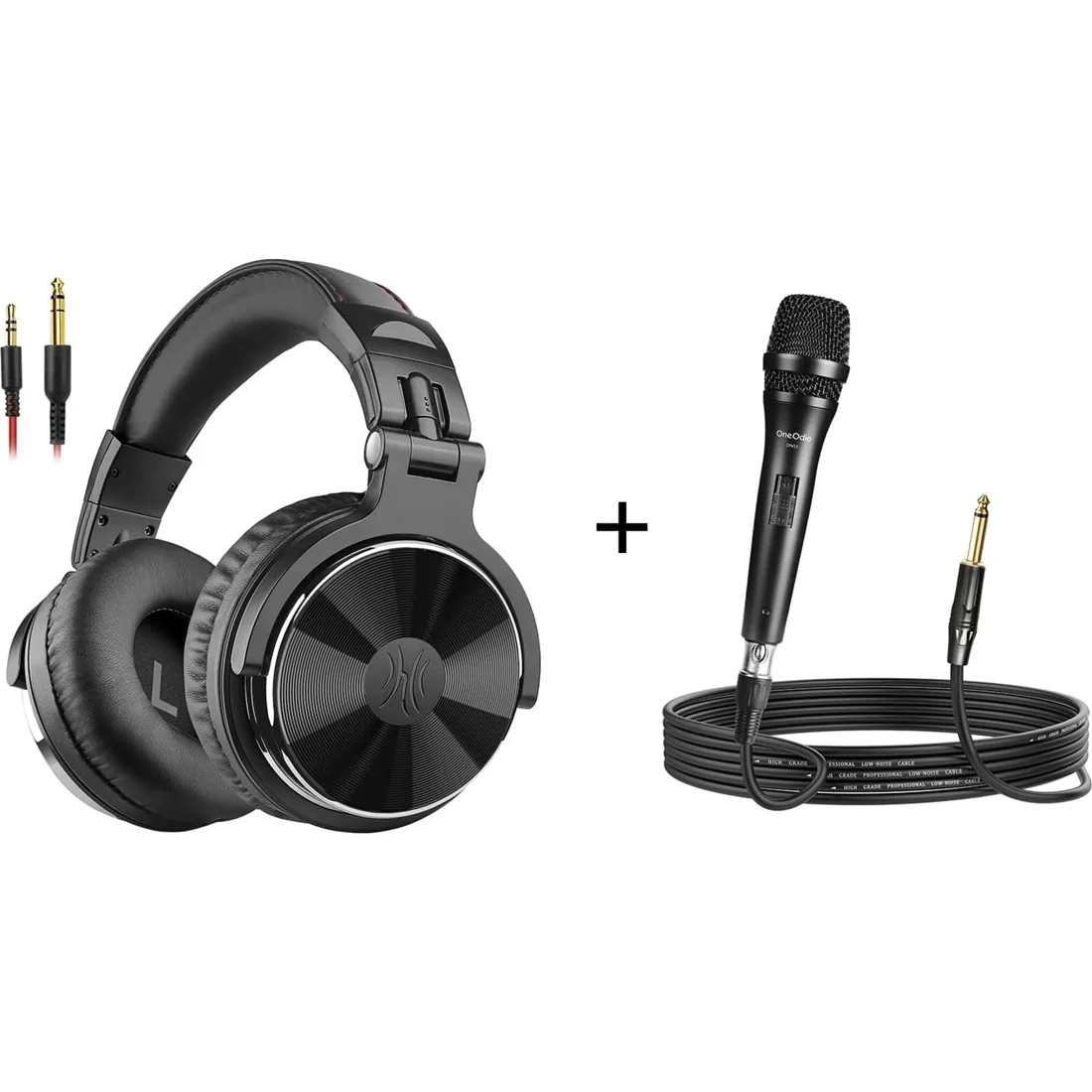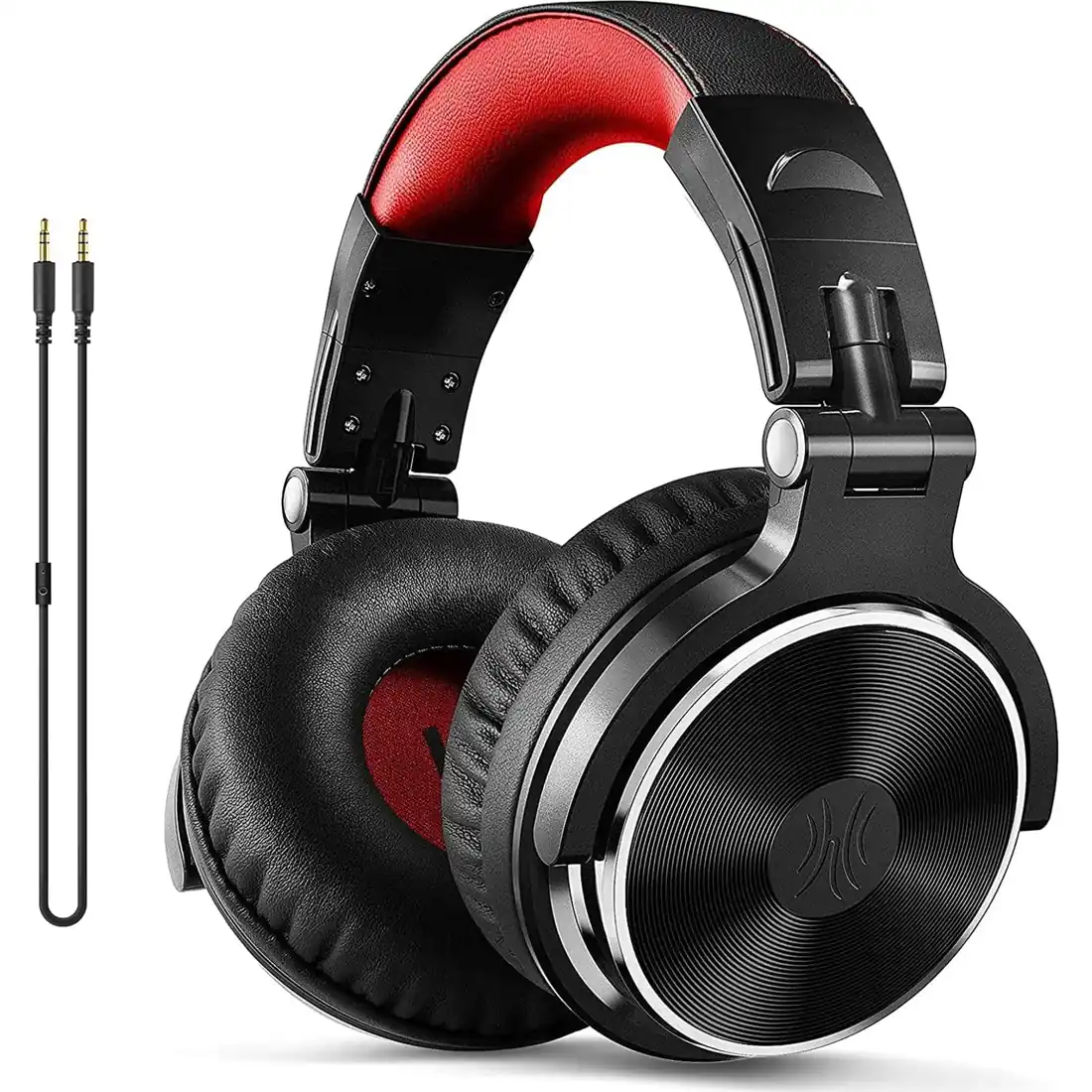
The OneOdio collection

OneOdio Studio Headphones

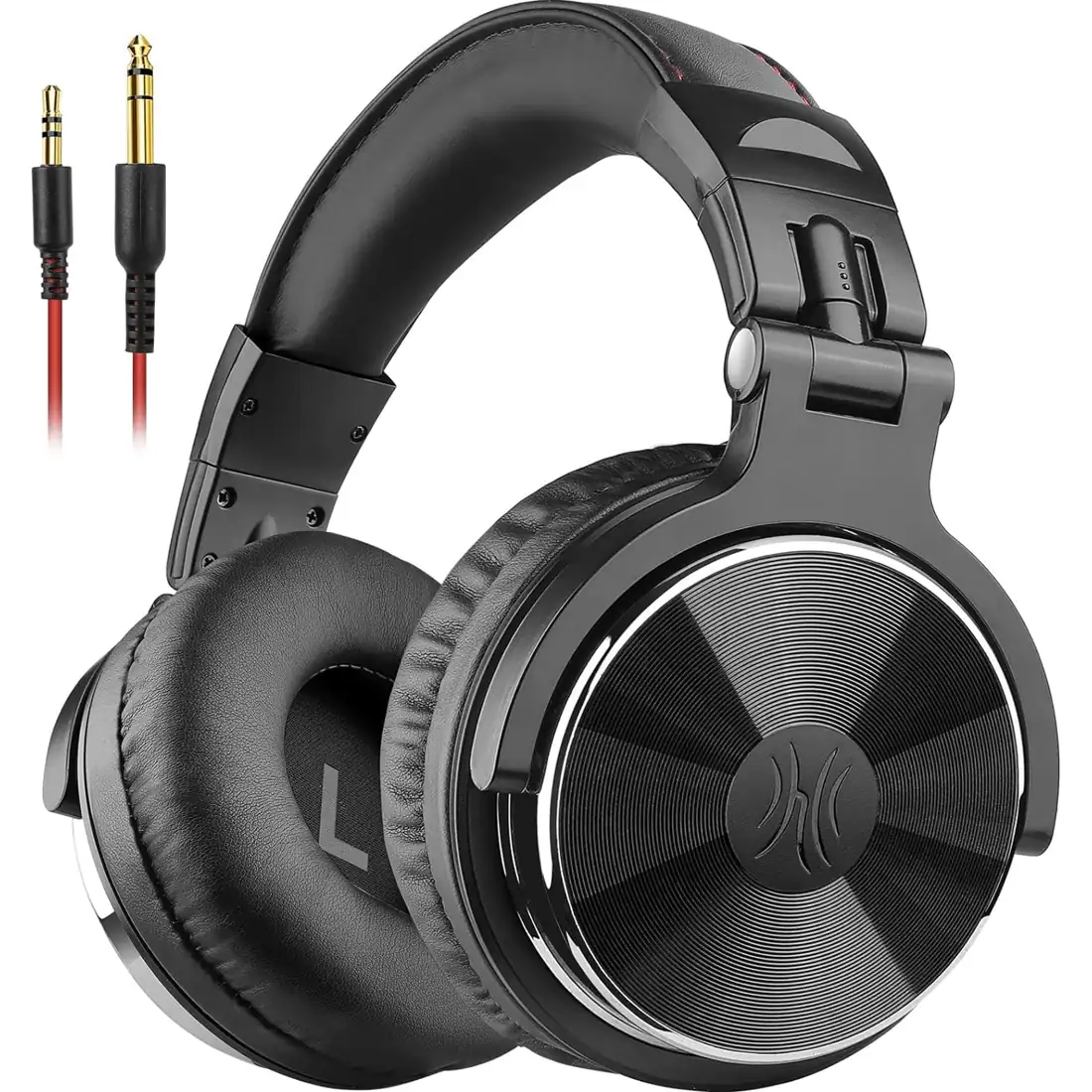
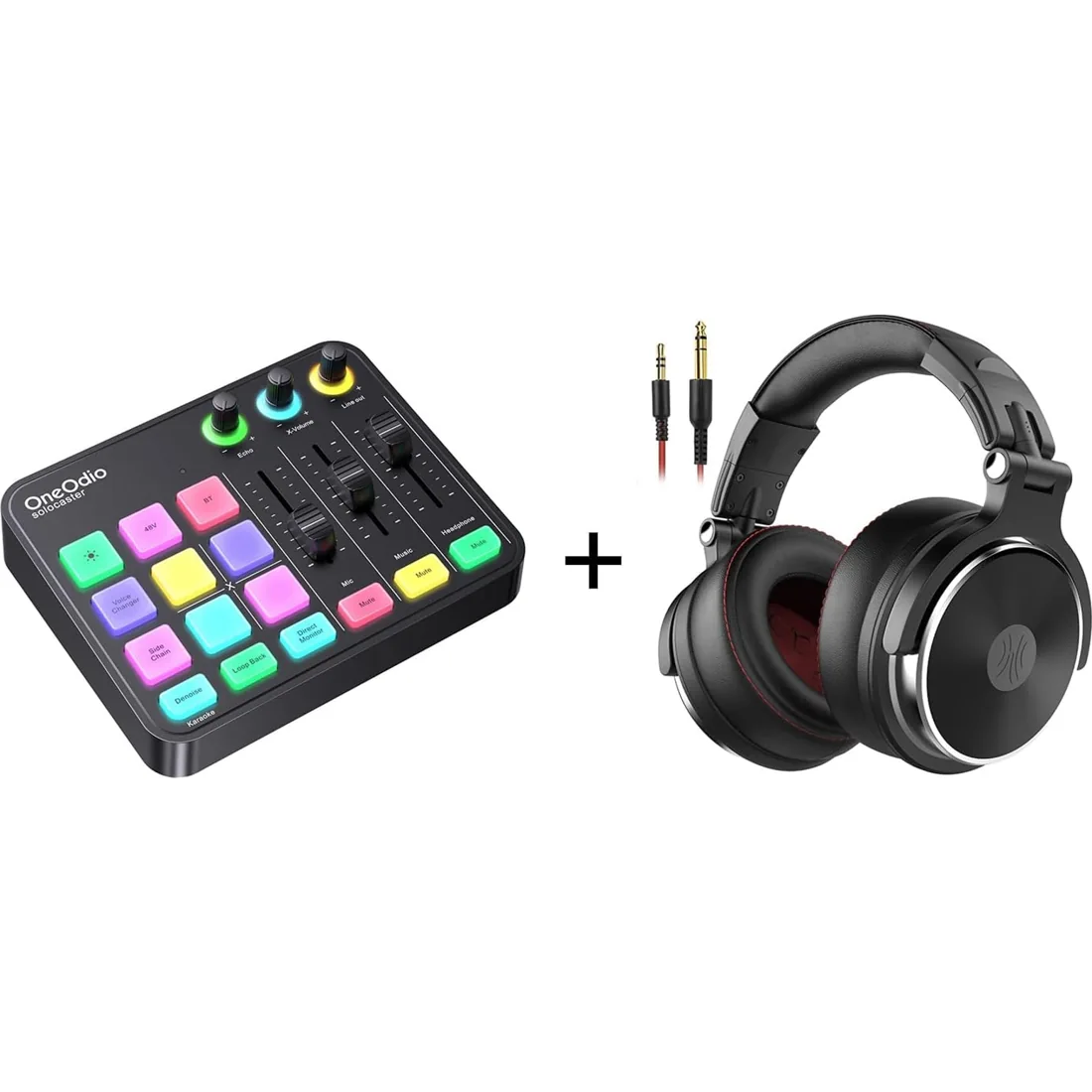
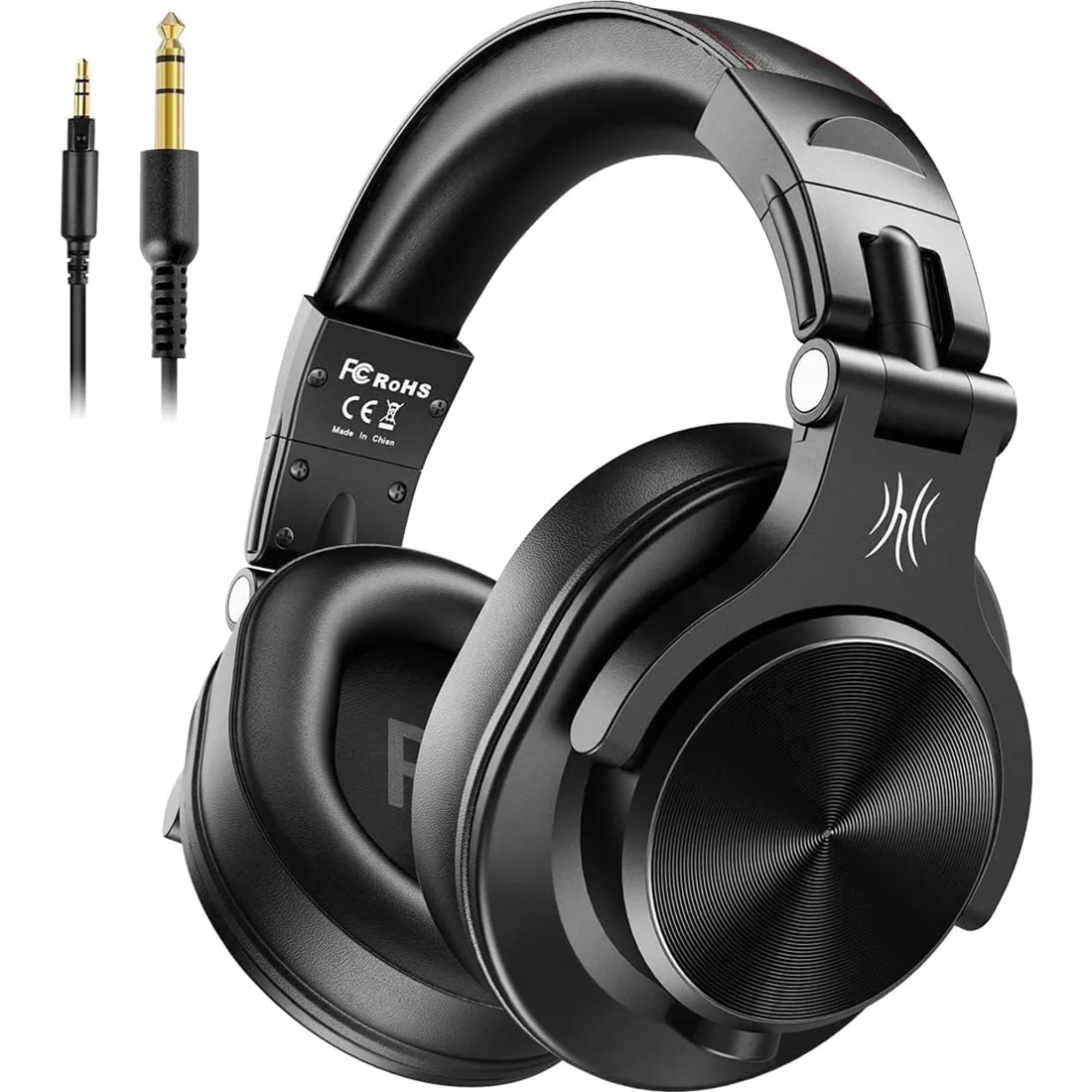
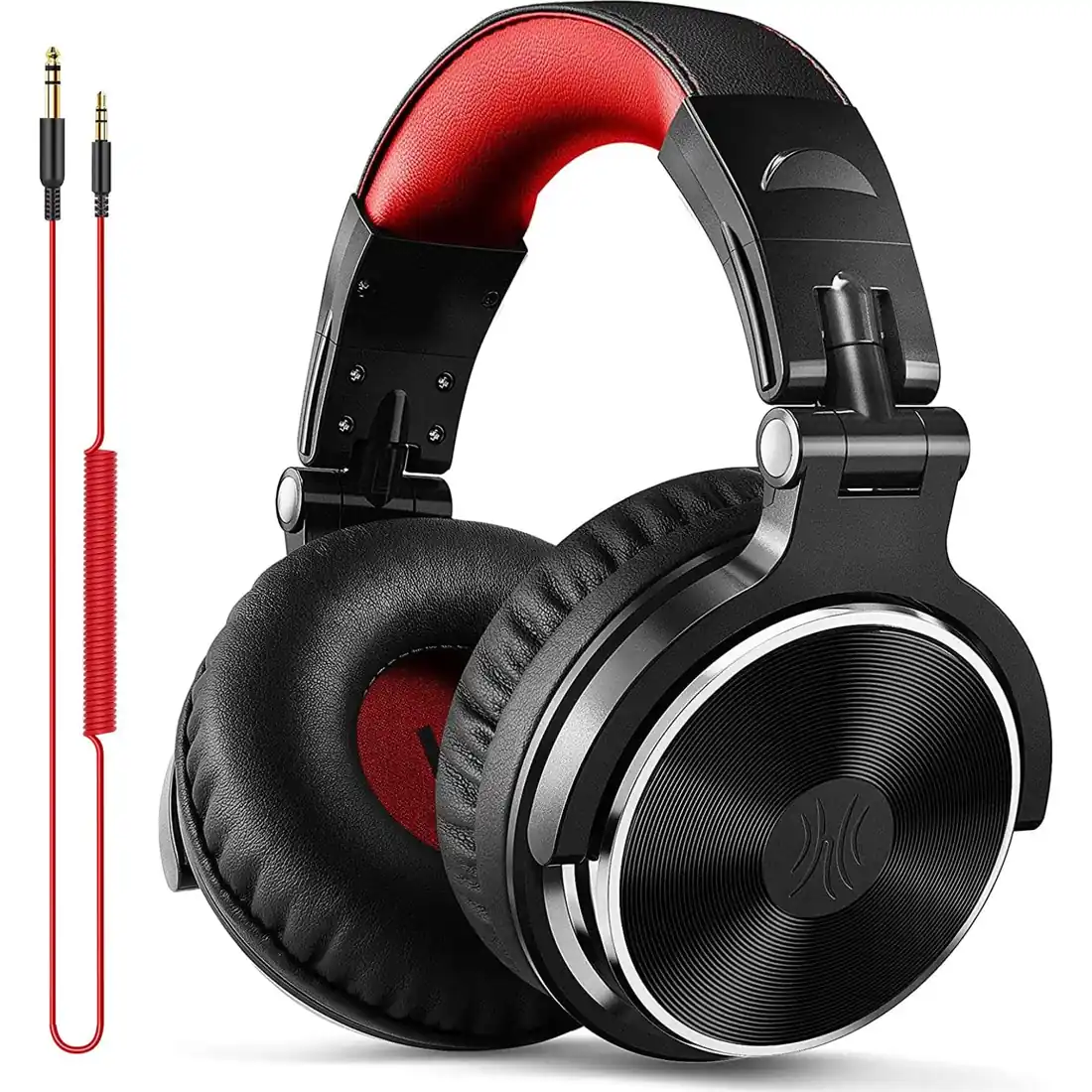
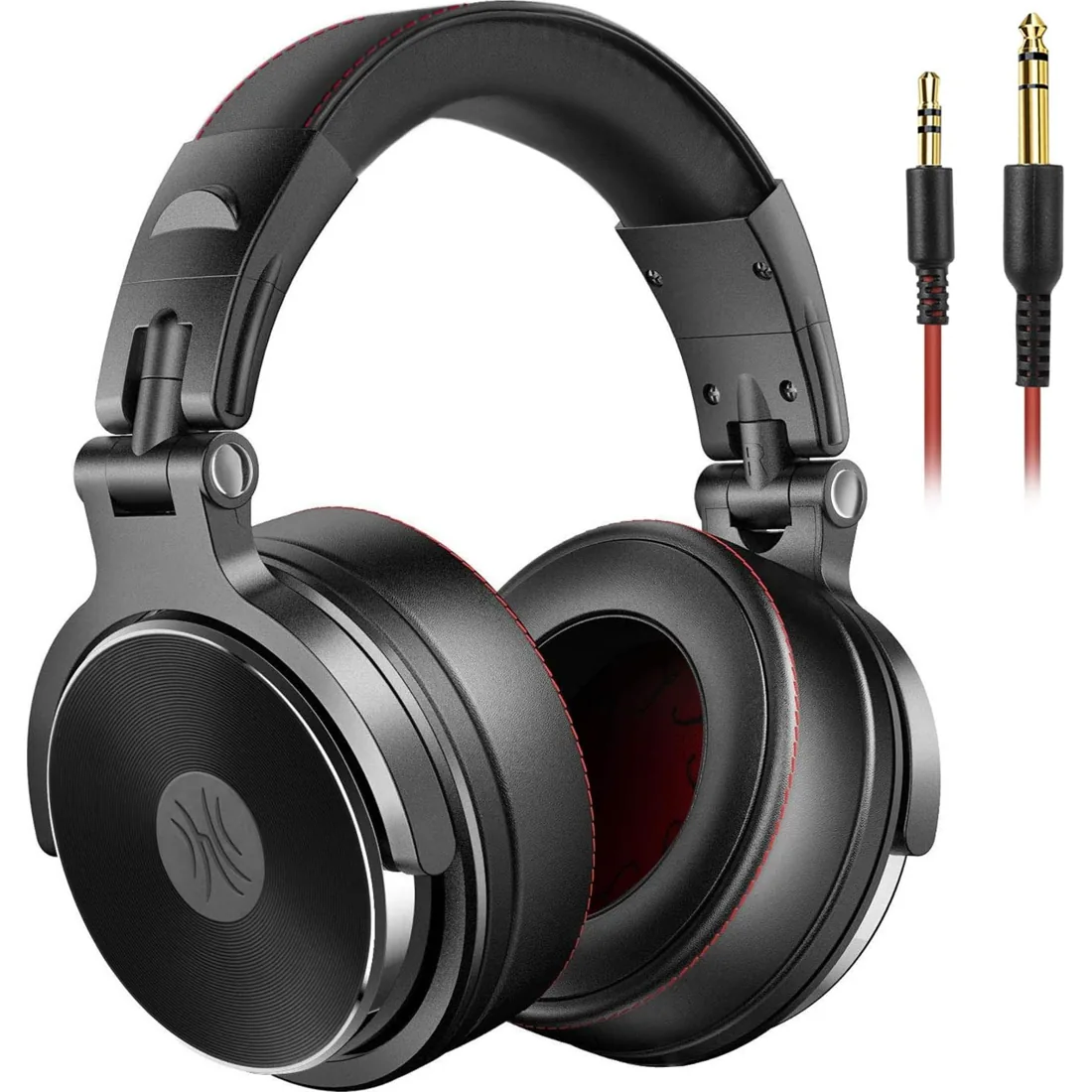
OneOdio studio headphones bring wired listening to your recording desk, DJ setup, instrument practice and everyday music sessions. Our range includes the Pro series, A71, Monitor 60 and open-back Monitor 80, with different drivers, connection options and listening designs. Start with the equipment you use: check its headphone output, the cable you need and whether an amplifier is appropriate. Then compare earcup design, fit and package contents. Some options include an extra cable, adapter, stand or mixer. Explore the individual models below to find the combination that suits your workflow, and choose your preferred configuration before buying on Amazon.

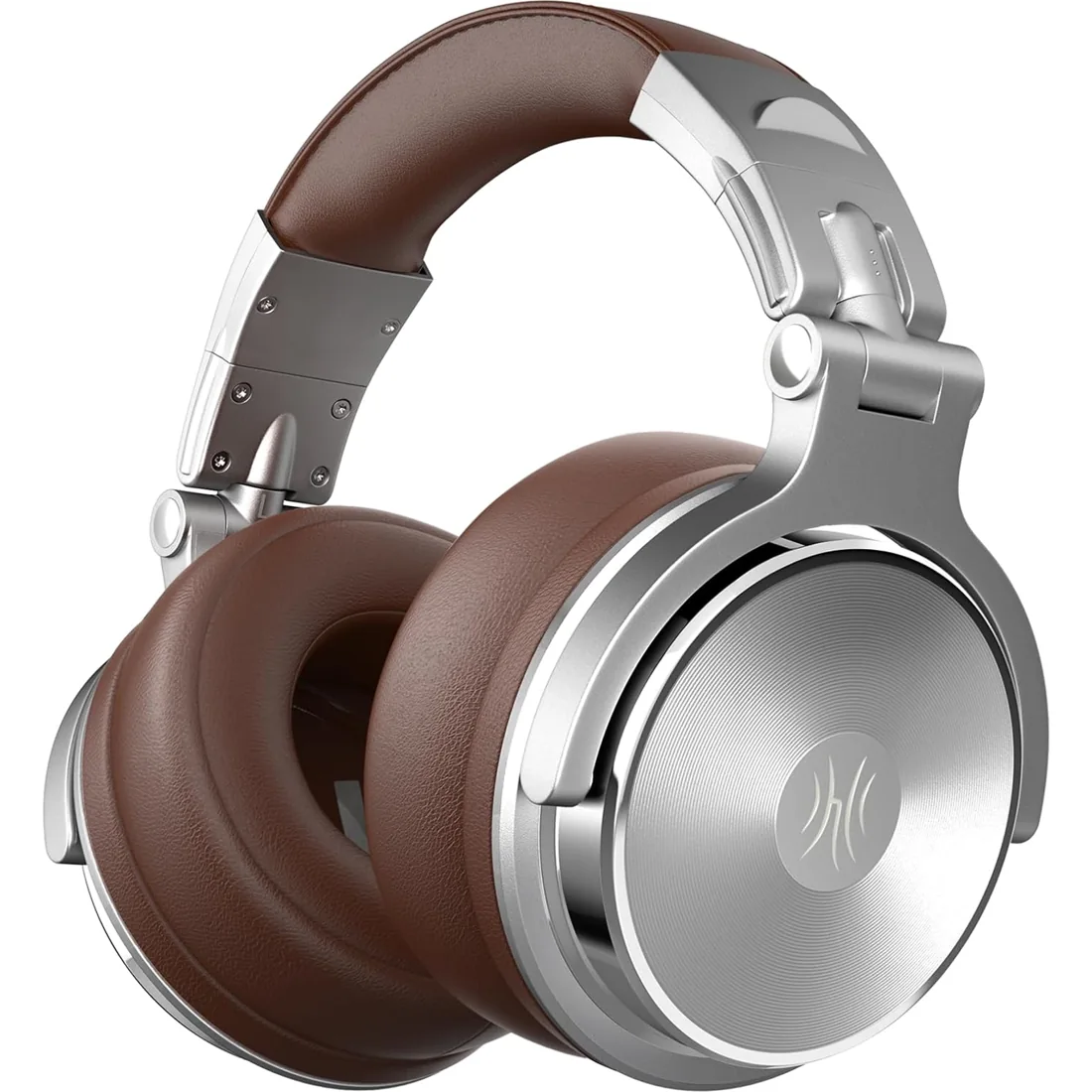
OneOdio Pro-50 — Headphones
Studio Headphones

Pro-50

【Hi-Res Audio Certified】Hear music with Hi-Res audio compatibility, the ultimate sound quality, and original sound reproduction, you will feel like you are in the music scene, high-power 50mm neodymium drivers deliver clear and crisp tones.

OneOdio Pro-30 — Headphones
Studio Headphones

Pro-30

Enjoy powerful bass and comfort with the OneOdio Studio headphones. Large 50 millimeter speaker unit drivers combined with neodymium magnets deliver dynamic bass, great for DJing, mixing, monitoring or listening music.

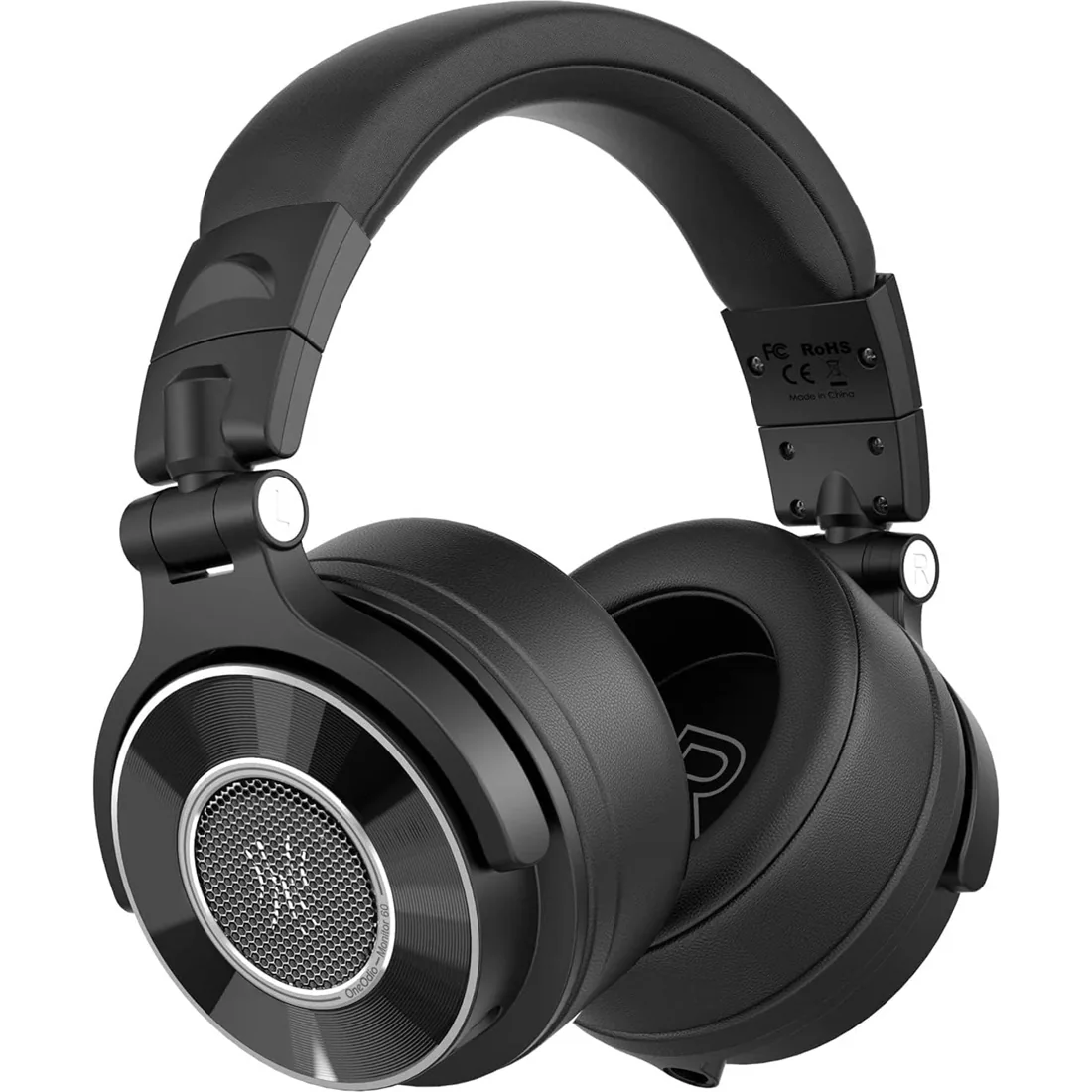
OneOdio Monitor 60 — Headphones
Studio Headphones

Monitor 60

Engineered for audiophiles and DJs, our headphones deliver crystal-clear highs, rich mids, and deep, punchy lows. Whether you're mixing, mastering, or enjoying music on-the-go, experience studio-grade sound that enhances every track with precision and clarity.

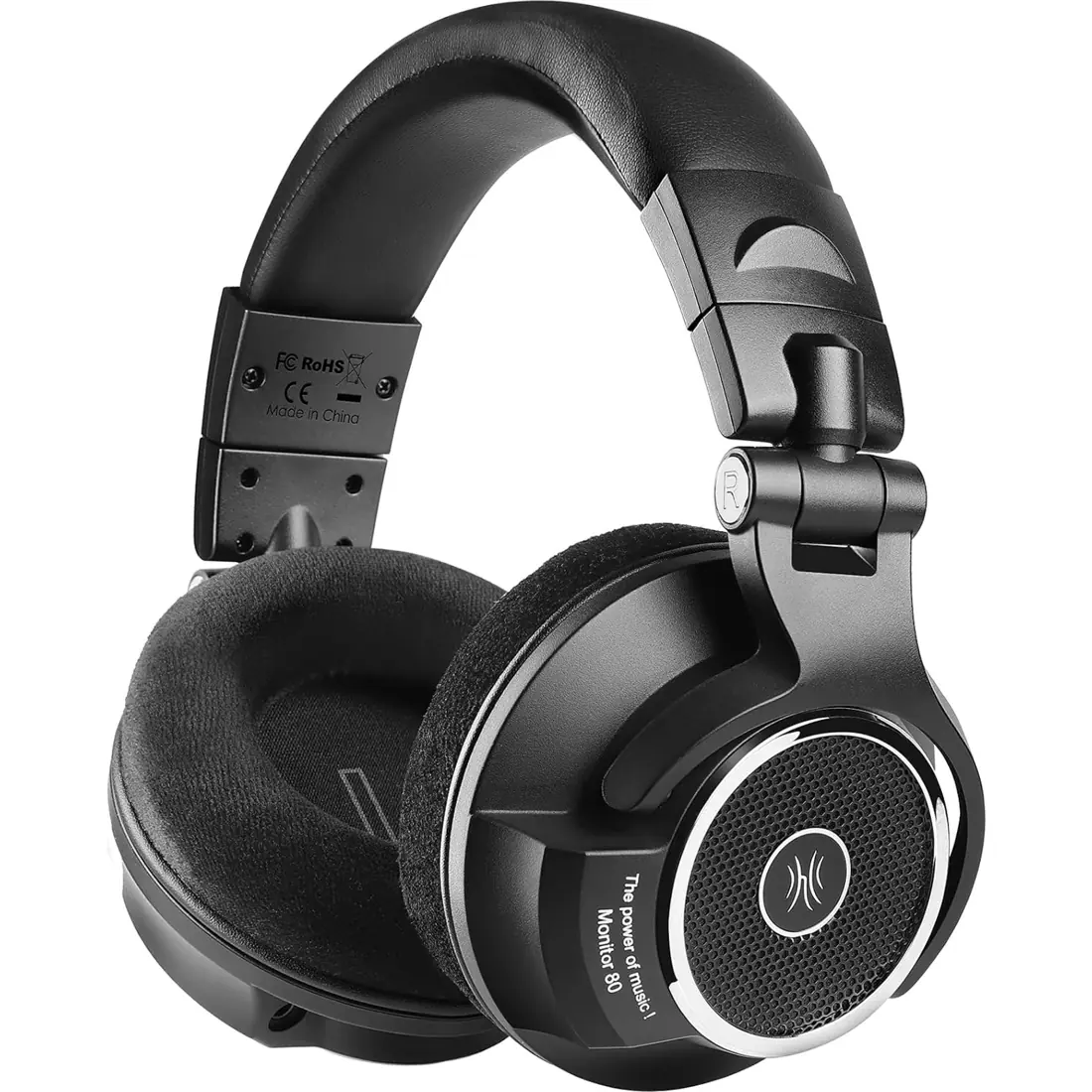
OneOdio Monitor 80 — Headphones
Studio Headphones

Monitor 80

Open-back monitoring headphones with a 250-ohm design for mixing, mastering and focused listening. Check your amplifier before choosing.

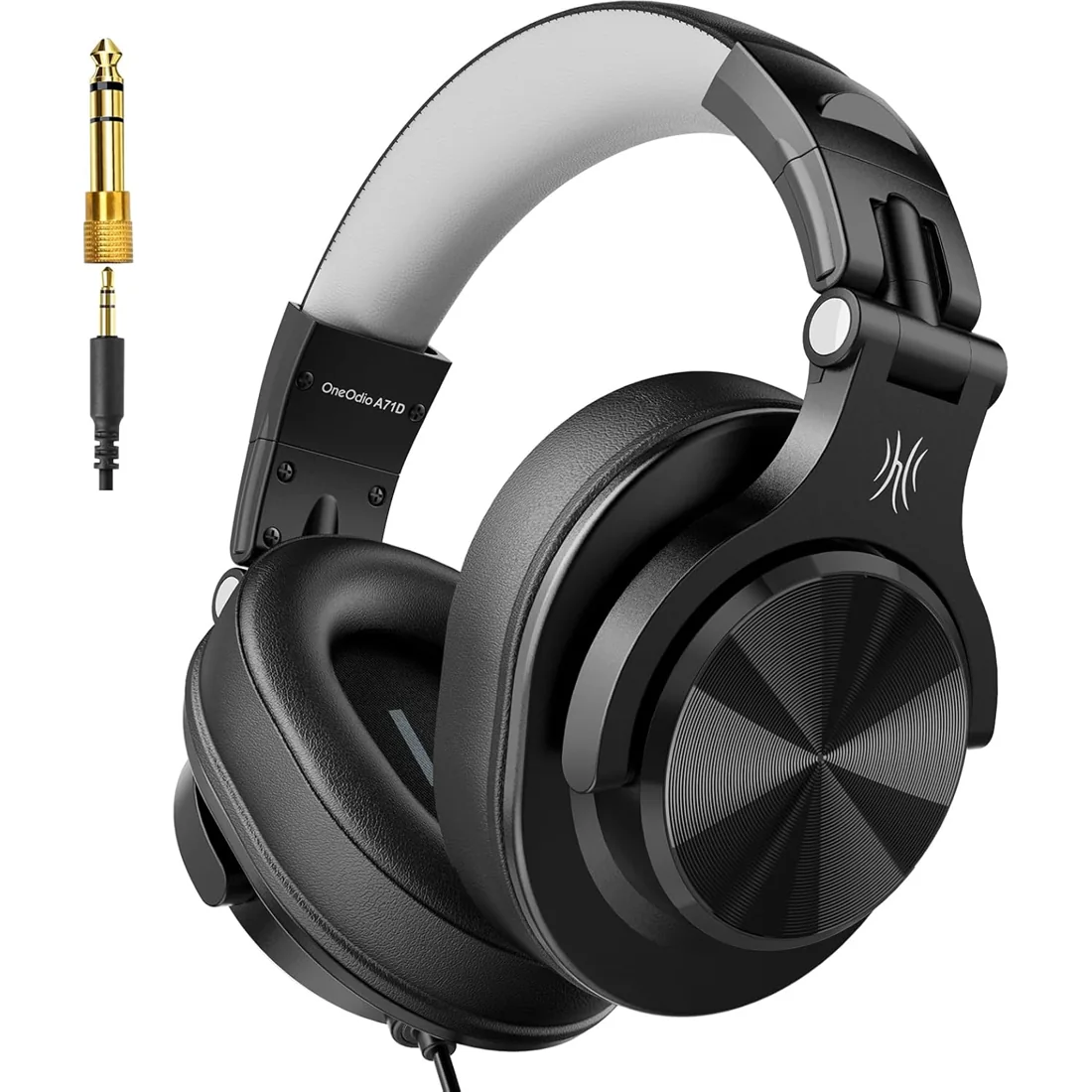
OneOdio A71D — Headphones
Studio Headphones

A71D

40mm drivers deliver deep bass, clear mids, and crisp highs for DJing, studio recording, mixing, and monitoring.

OneOdio Pro-10 — Black
Studio Headphones

Pro-10

50mm drivers, swivelling earcups and wired 3.5mm / 6.35mm connections for DJ, studio and instrument listening.

OneOdio A71 — Black
Studio Headphones

A71

Equipped with 40mm drivers, these wired over-ear headphones deliver exceptional sound clarity and depth, making them perfect for studio monitoring, mixing, and DJing. The high-resolution audio ensures every detail and nuance in your music is captured and reproduced with precision.‌

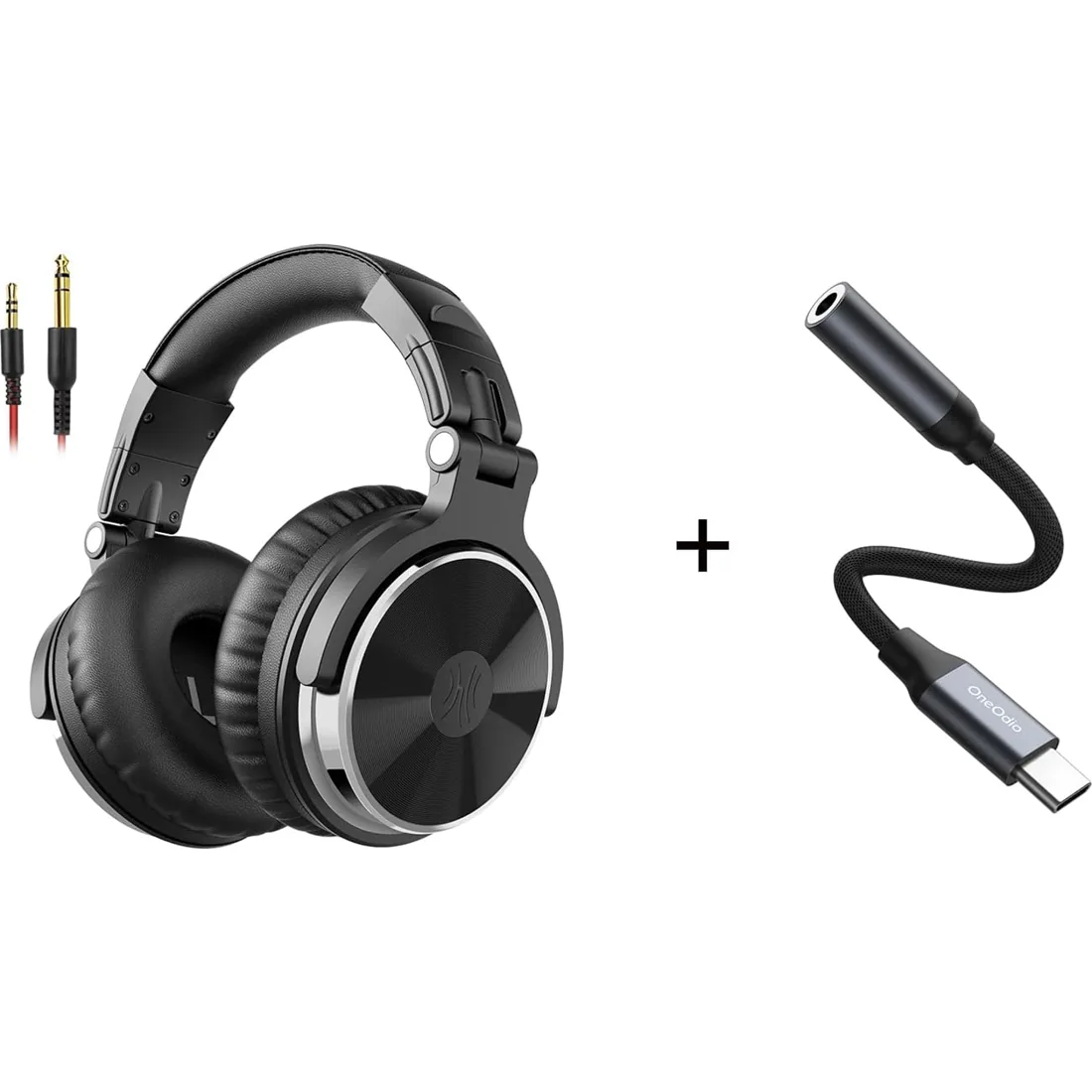
OneOdio Wired Headphones and USB-C Adapter — Headphones
Studio Headphones

Wired Headphones and USB-C Adapter

【High-Resolution Audio】Equipped with a premium DAC chip, this USB C audio adapter supports 24-bit/96kHz HiFi audio sampling for crystal-clear, immersive sound quality.

OneOdio Wired Headphones with Dual Audio Cables — Headphones
Studio Headphones

Wired Headphones with Dual Audio Cables

Enjoy clear sound and comfort with the OneOdio Studio monitor headphones. Large, 50 millimeter speaker unit drivers combined with neodymium magnets; powerful bass, clear vocal, and crisp high tones form stereo sound.

OneOdio Wired Headphones with Microphone Cable — Headphones
Studio Headphones

Wired Headphones with Microphone Cable

Enjoy clear sound and comfort with the OneOdio Studio monitor headphones. Large, 50 millimeter speaker unit drivers combined with neodymium magnets; powerful bass, clear vocal, and crisp high tones form stereo sound

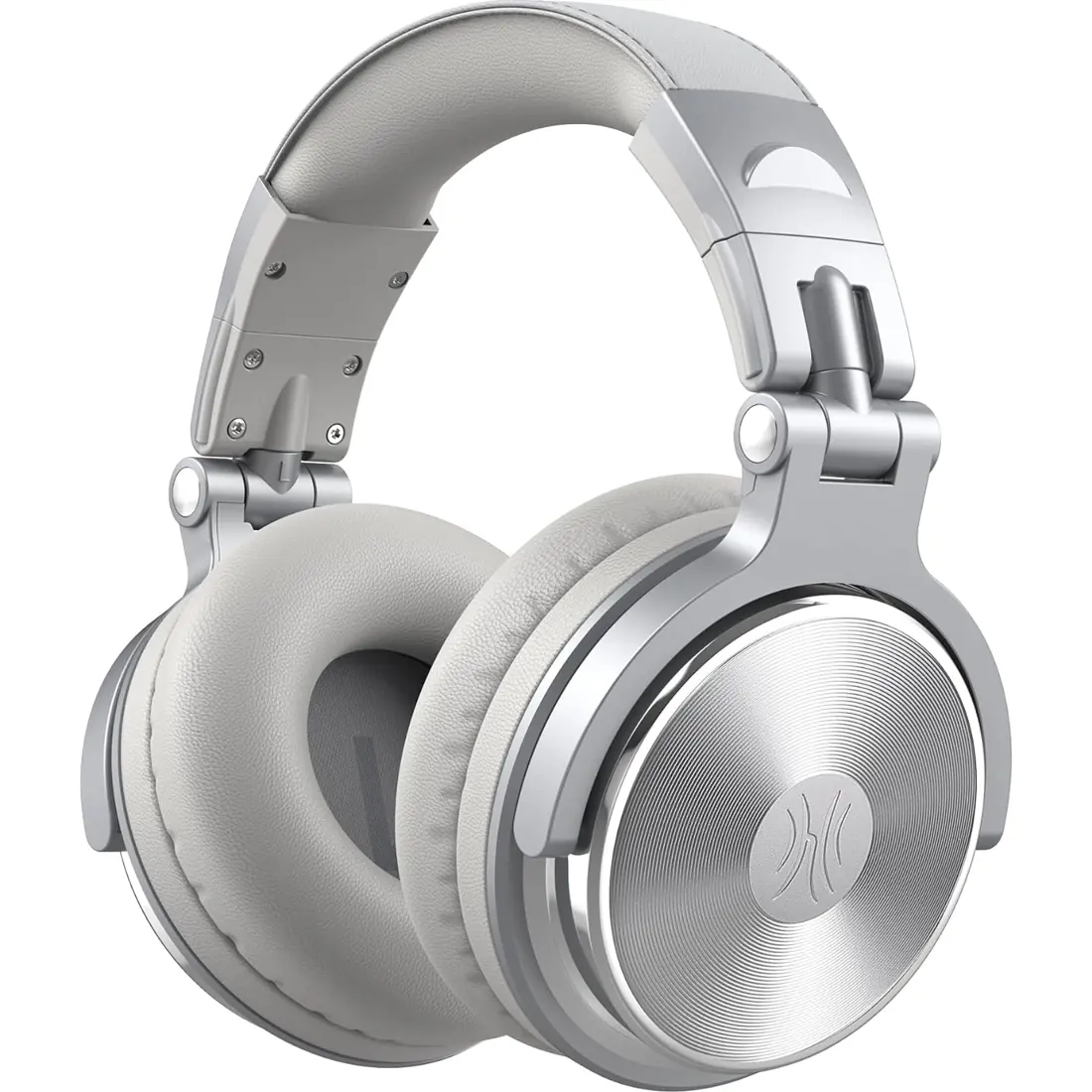
OneOdio Silver Wired Studio Headphones — Headphones
Studio Headphones

Silver Wired Studio Headphones

Enjoy powerful bass and comfort with the OneOdio Studio headphones. Large 50-millimeter speaker unit drivers combined with neodymium magnets deliver dynamic bass, great for DJing, mixing, monitoring, or listening to music.

OneOdio Studio Headphones FAQs

How to connect wired headphones to a MacBook?

Connect wired headphones to a compatible headphone output, then select that output in your Mac's sound settings. If your computer needs an adapter, match the adapter to its port and the headphone cable. Our wired models use different cable configurations, so check the selected product's connectors before buying.

Why are my wired headphones not working?

A loose plug, wrong output selection or incompatible adapter can prevent wired headphones from playing. Seat the detachable cable fully, check the source volume and output settings, and try a second compatible source or cable. Check both ends of a dual-ended cable. Stop using a visibly damaged cable.

Are wired headphones better than wireless?

Wired headphones are useful when you want a direct connection to a mixer, instrument or audio interface. Wireless models prioritize freedom of movement and need compatible wireless hardware. Neither connection is best for every task. Compare your equipment, monitoring needs and preferred fit rather than choosing by connection alone.

Where to buy wired headphones?

You can explore our wired headphone models here and use Buy on Amazon to purchase your chosen option. Match the model, finish and package before ordering. Payment, shipping, returns and the final purchase price are handled on Amazon.

How to connect wired headphones to a PC?

Plug wired headphones into a compatible audio output and choose that output in your computer's sound settings. A combined microphone headset jack and a headphone-only output serve different purposes. Check the cable's microphone support and any adapter requirements if you also need voice input.