Audio Accessories
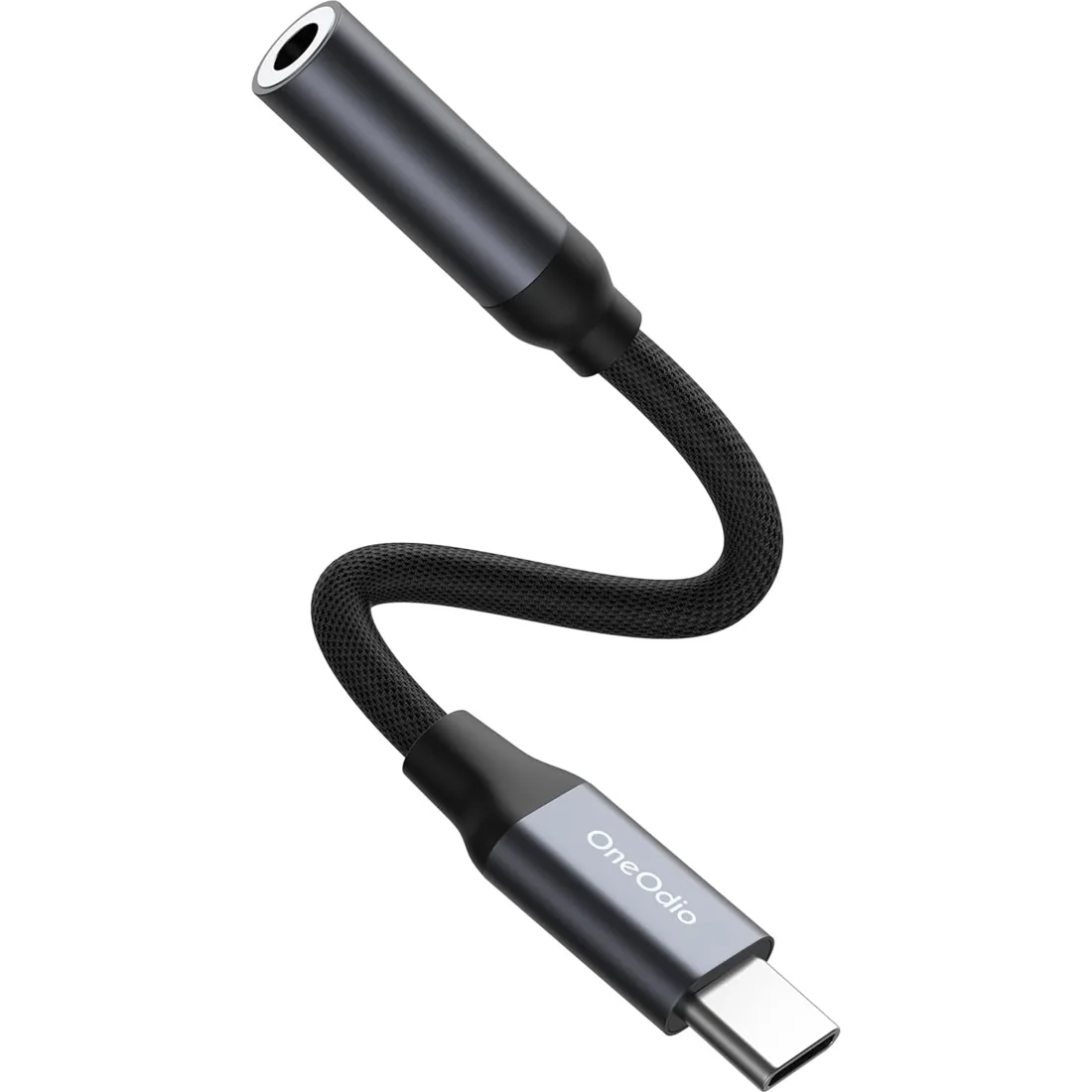
USB-C to 3.5mm Audio Adapter
【High-Resolution Audio】Equipped with a premium DAC chip, this USB C audio adapter supports 24-bit/96kHz HiFi audio sampling for crystal-clear, immersive sound quality.
$15.99View Product ↗

OneOdio audio accessories help connect, organize and maintain a listening setup without replacing the whole system. Explore model-specific replacement earpads, audio cables, a USB-C adapter, a boom microphone cable and the MTL99 headphone stand. Compatibility comes first: a cable's plug size alone does not confirm microphone support or fit, and replacement pads are designed for particular headphone models. Read each accessory's supported equipment and configuration before ordering. Some headphones are also available in packages with an accessory included. Compare the exact package against a separate purchase, then choose the cable, pad or holder that fits your headphones and workspace.
【High-Resolution Audio】Equipped with a premium DAC chip, this USB C audio adapter supports 24-bit/96kHz HiFi audio sampling for crystal-clear, immersive sound quality.
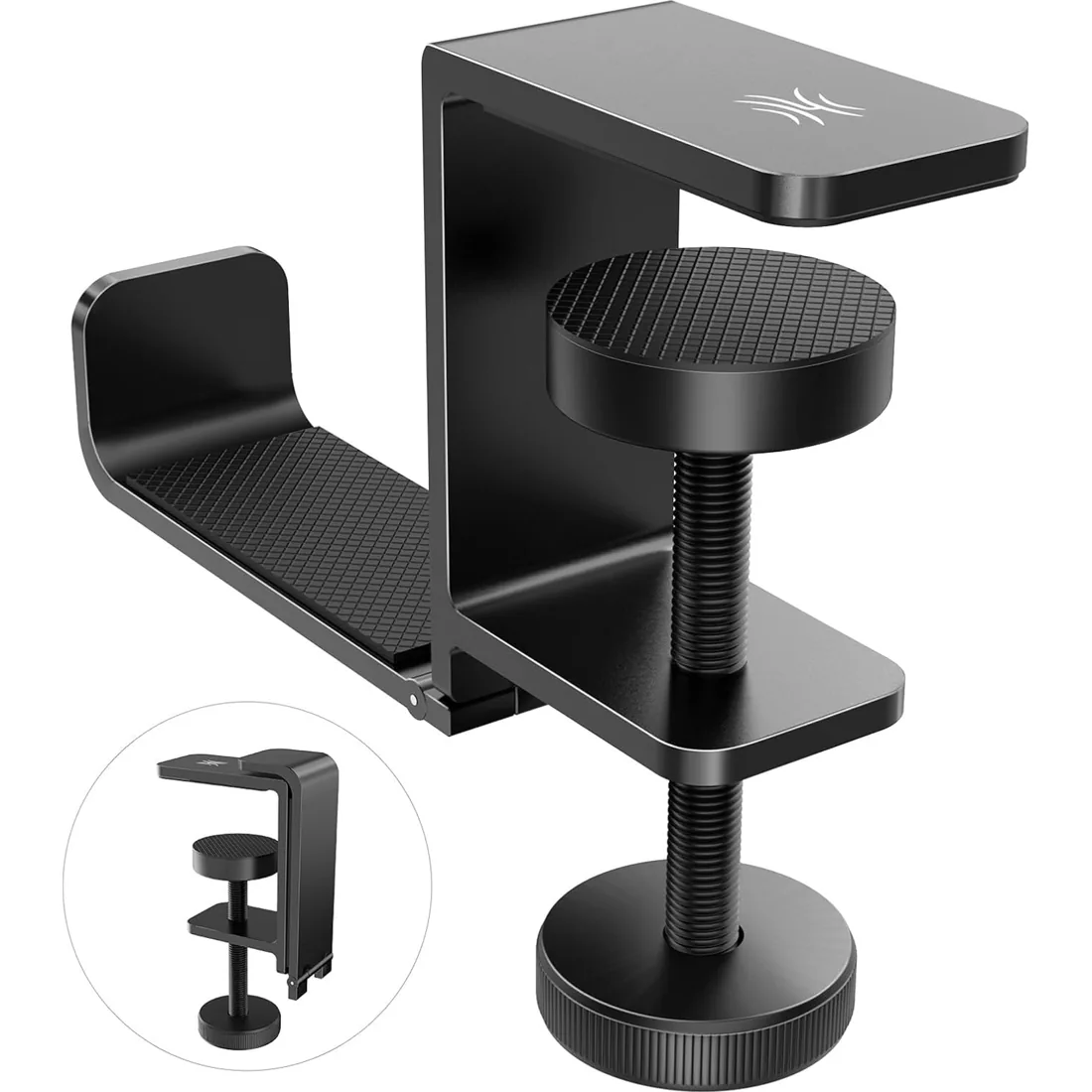
Compact foldable design saves desk space when not in use.
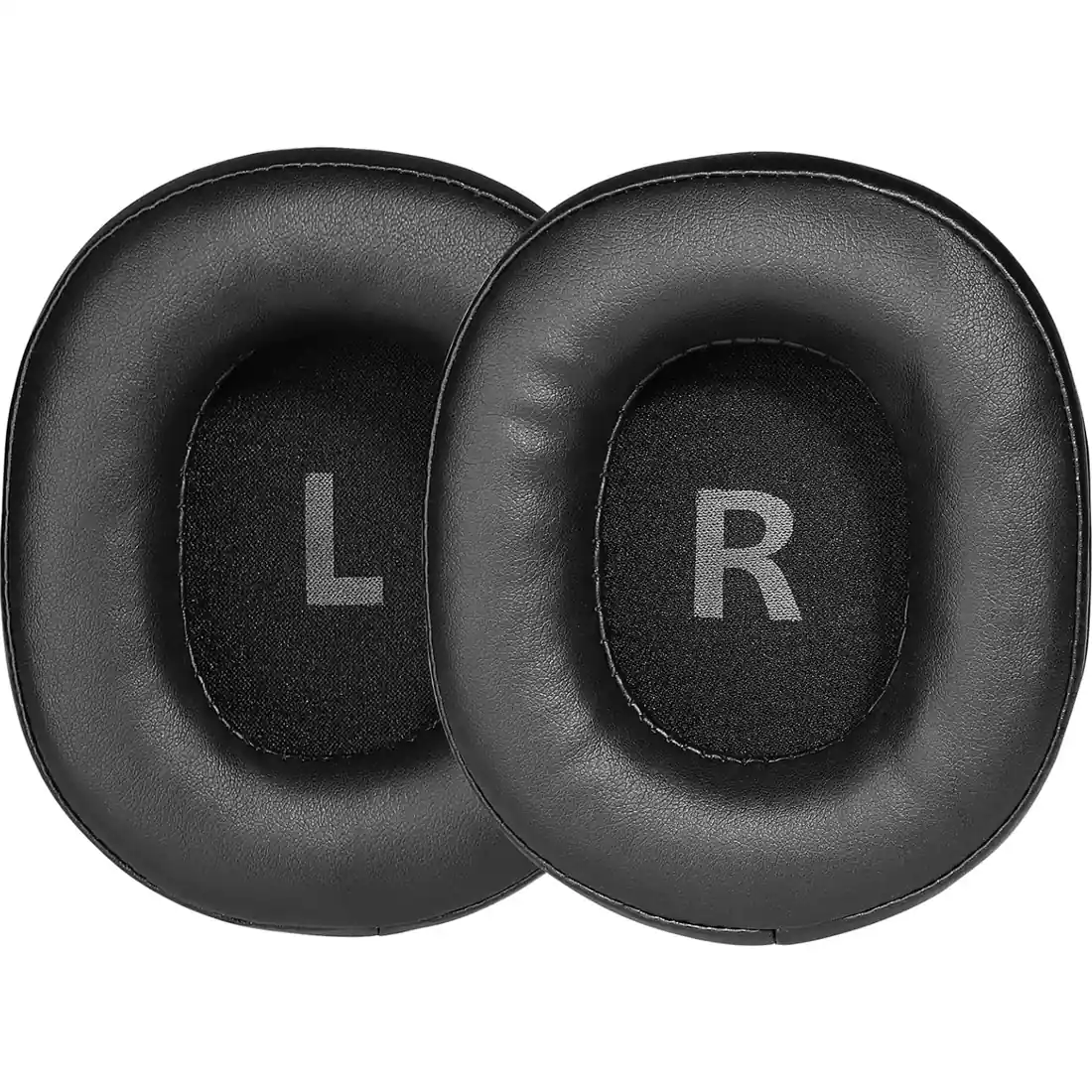
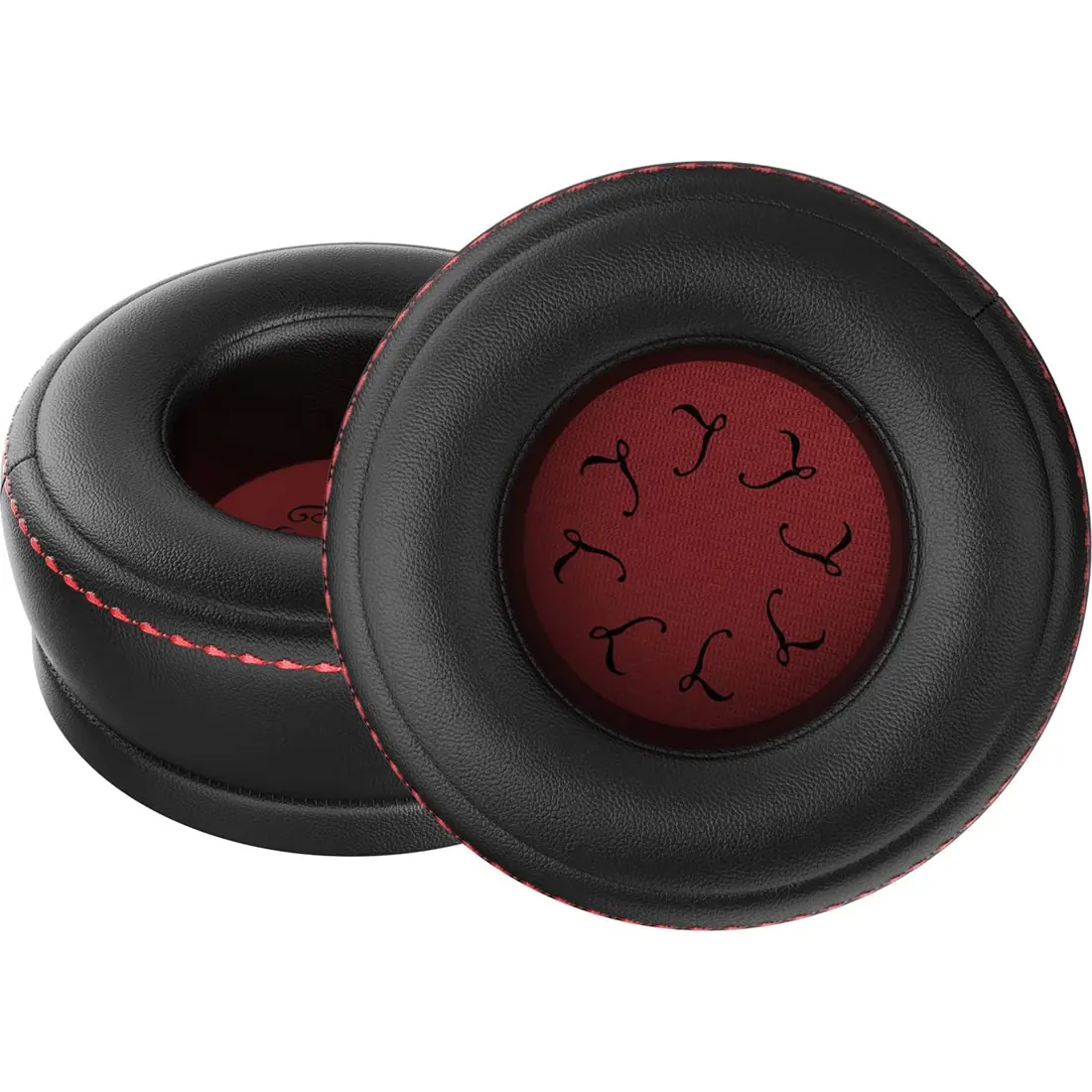
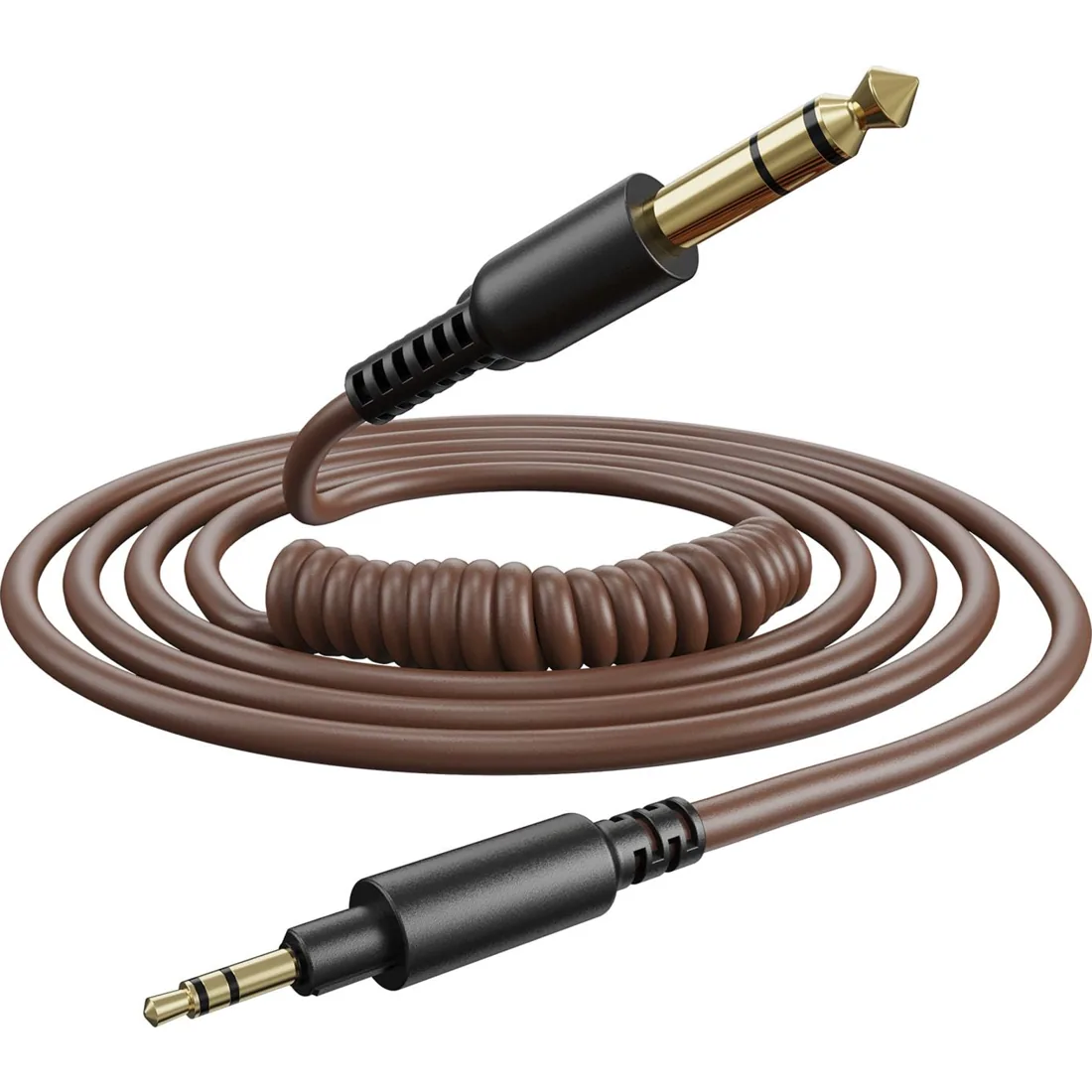
Works with any device equipped with standard 6.3mm and 3.5mm audio jack. Compatible with OneOdio A71 Wired Over Ear Headphones(Silver)
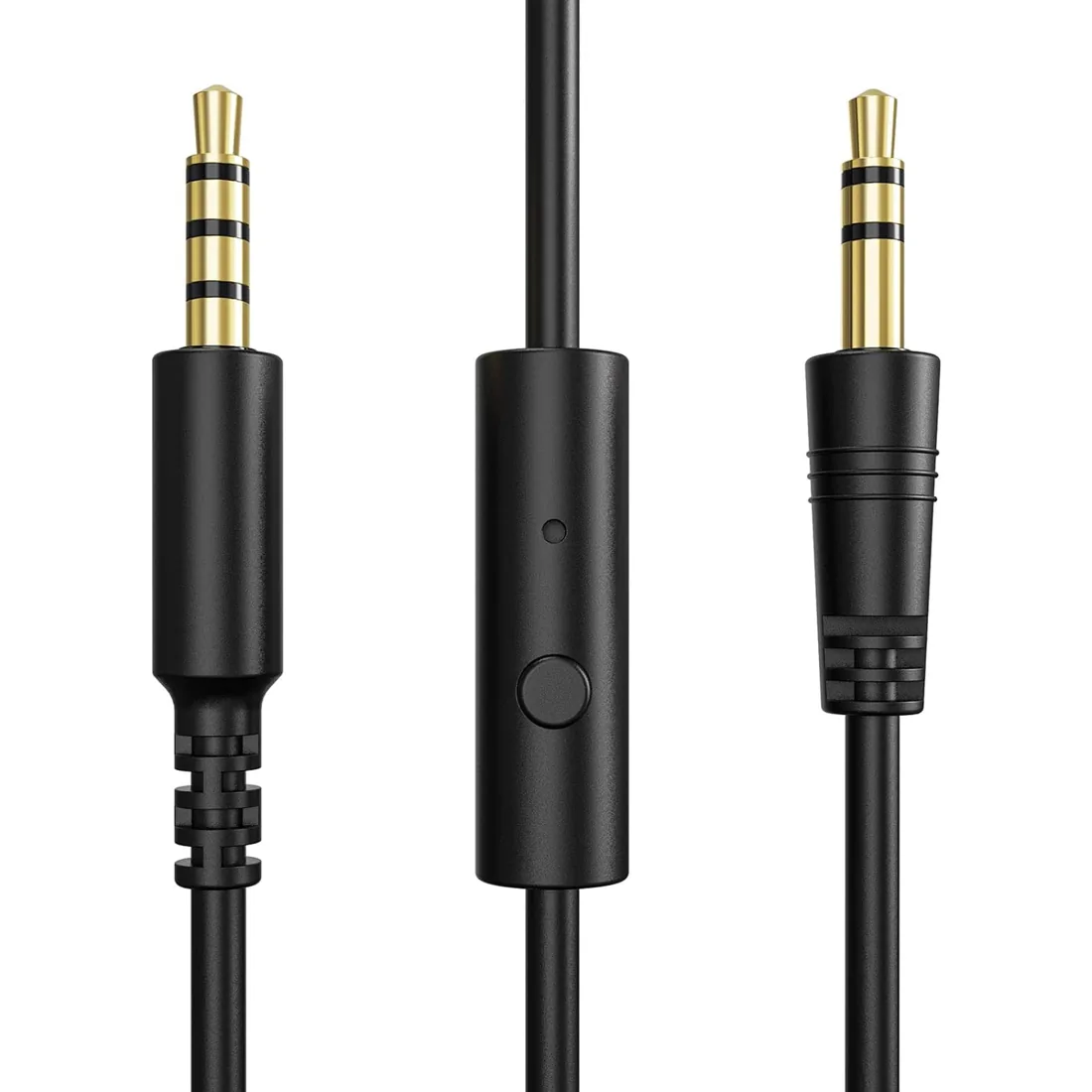
This 3.5 to 3.5mm Jack audio cable seamlessly connects your audio devices, such as smartphones, tablets, laptops, and more, ensuring high-quality sound transmission. The universal 3.5mm interface guarantees compatibility across a wide range of devices.
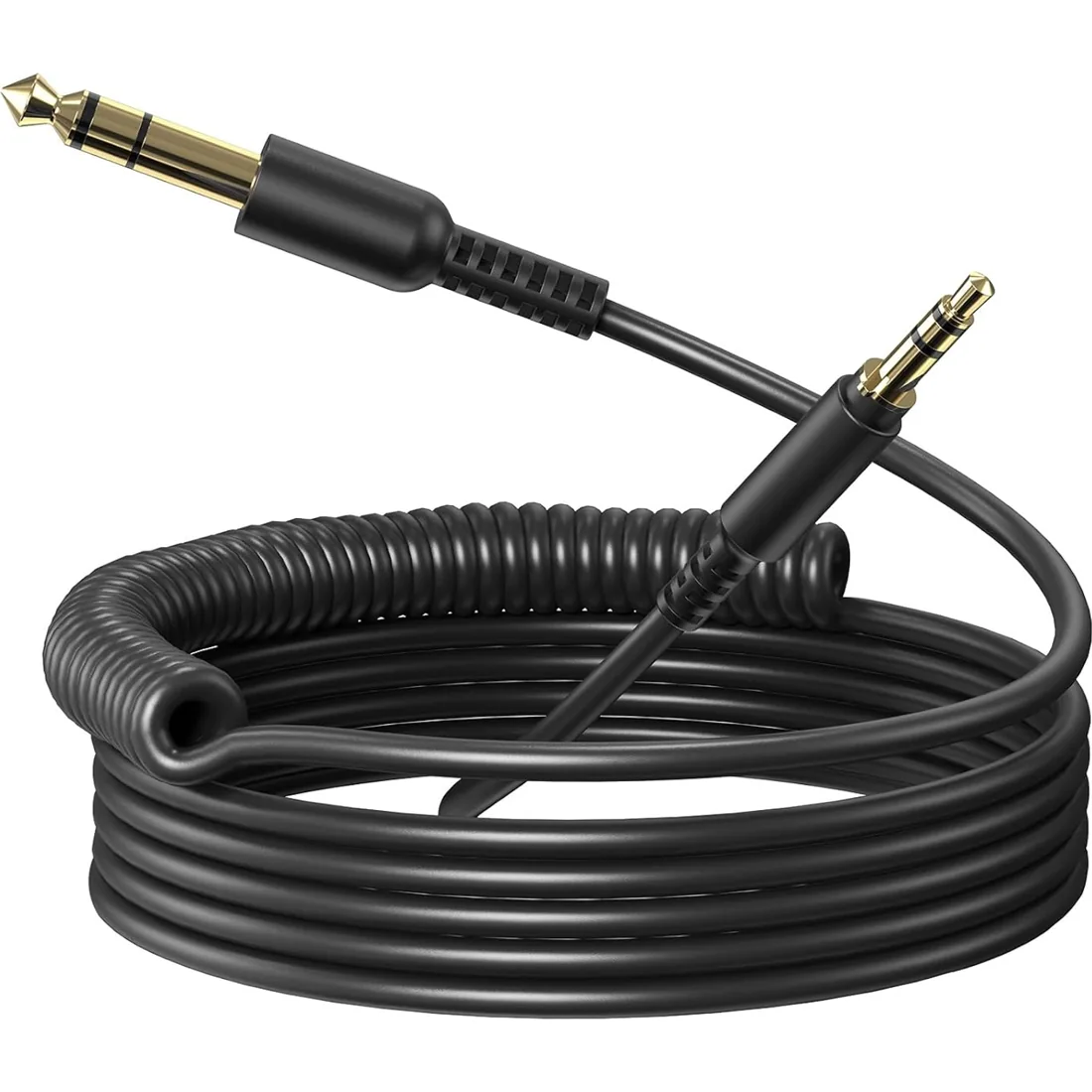
This 3.5mm to 6.35mm audio cable is designed to connect a wide range of devices, including headphones, amplifiers, mixers, guitars, and studio equipment.
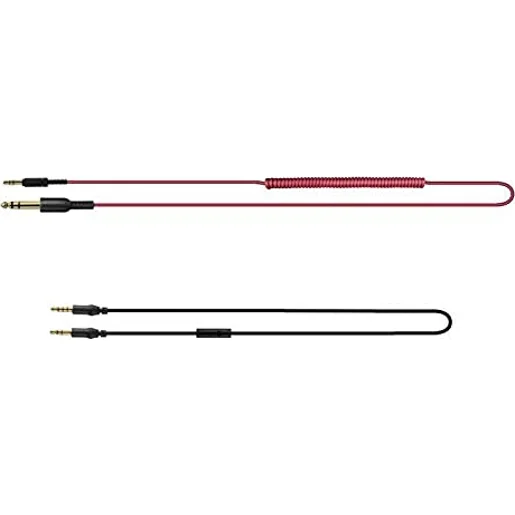
2m-3m 9.8ft 3.5mm to 6.35mm coiled cable (red)
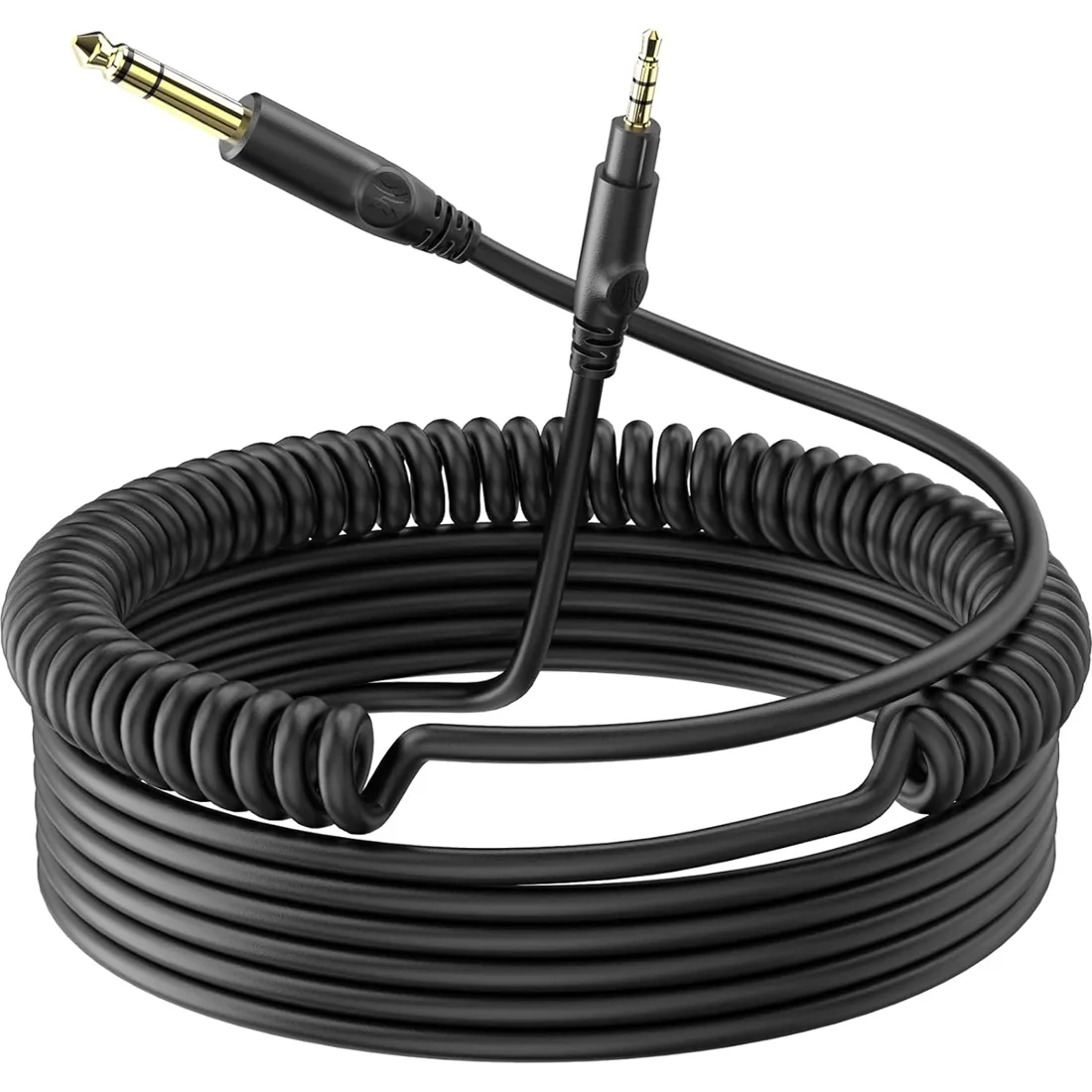
Easily connect 3.5mm devices like smartphones and tablets to 6.35mm audio equipment such as keyboards, amplifiers, and mixers.
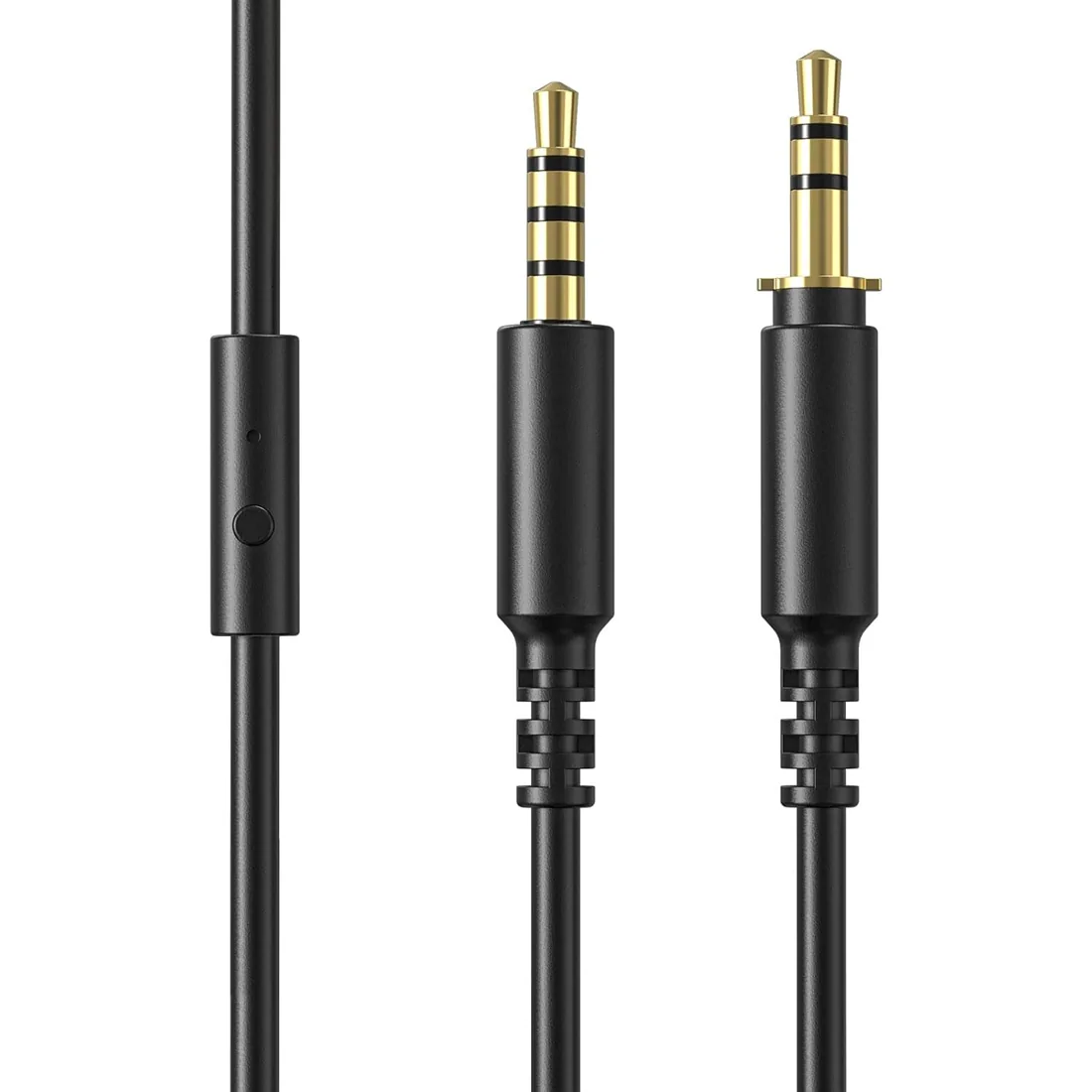
This 3.5 to 3.5mm Jack audio cable seamlessly connects your audio devices, such as smartphones, tablets, laptops, and more, ensuring high-quality sound transmission. The universal 3.5mm interface guarantees compatibility across a wide range of devices.
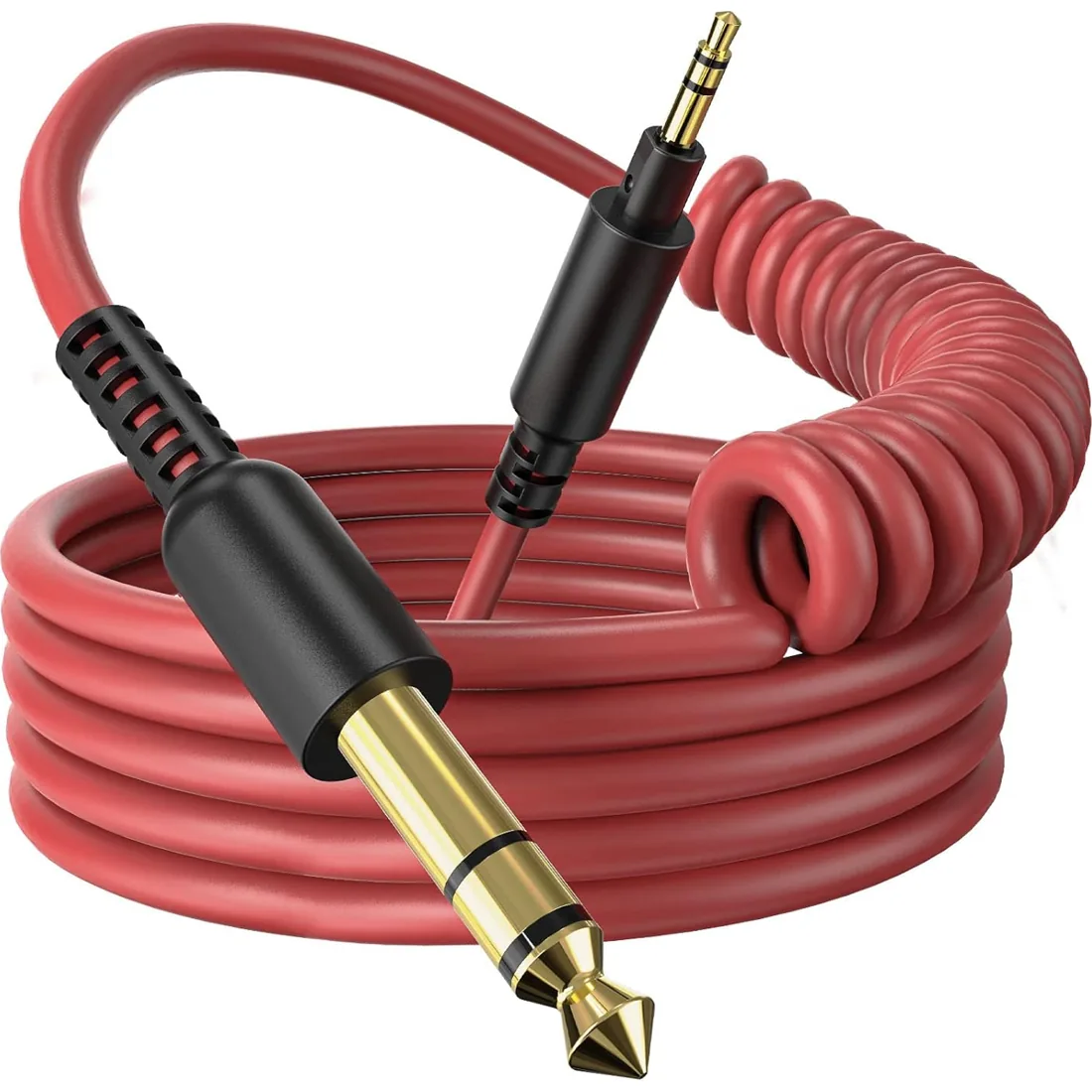
Compatible with OneOdio DJ headphone A71/ HiFi/ Pro C/ Pro M
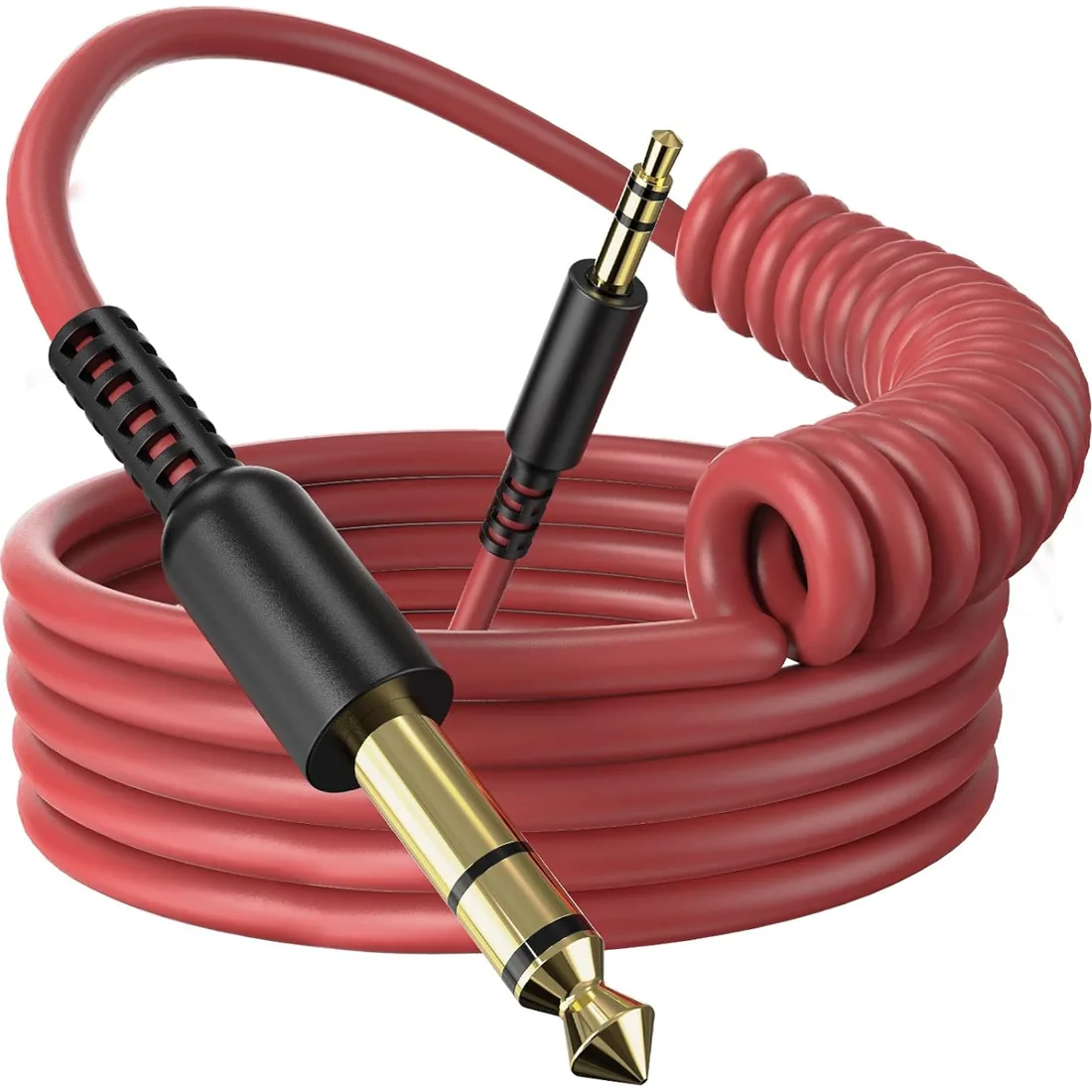
Easily connect 3.5mm devices like smartphones and tablets to 6.35mm audio equipment such as keyboards, amplifiers, and mixers.
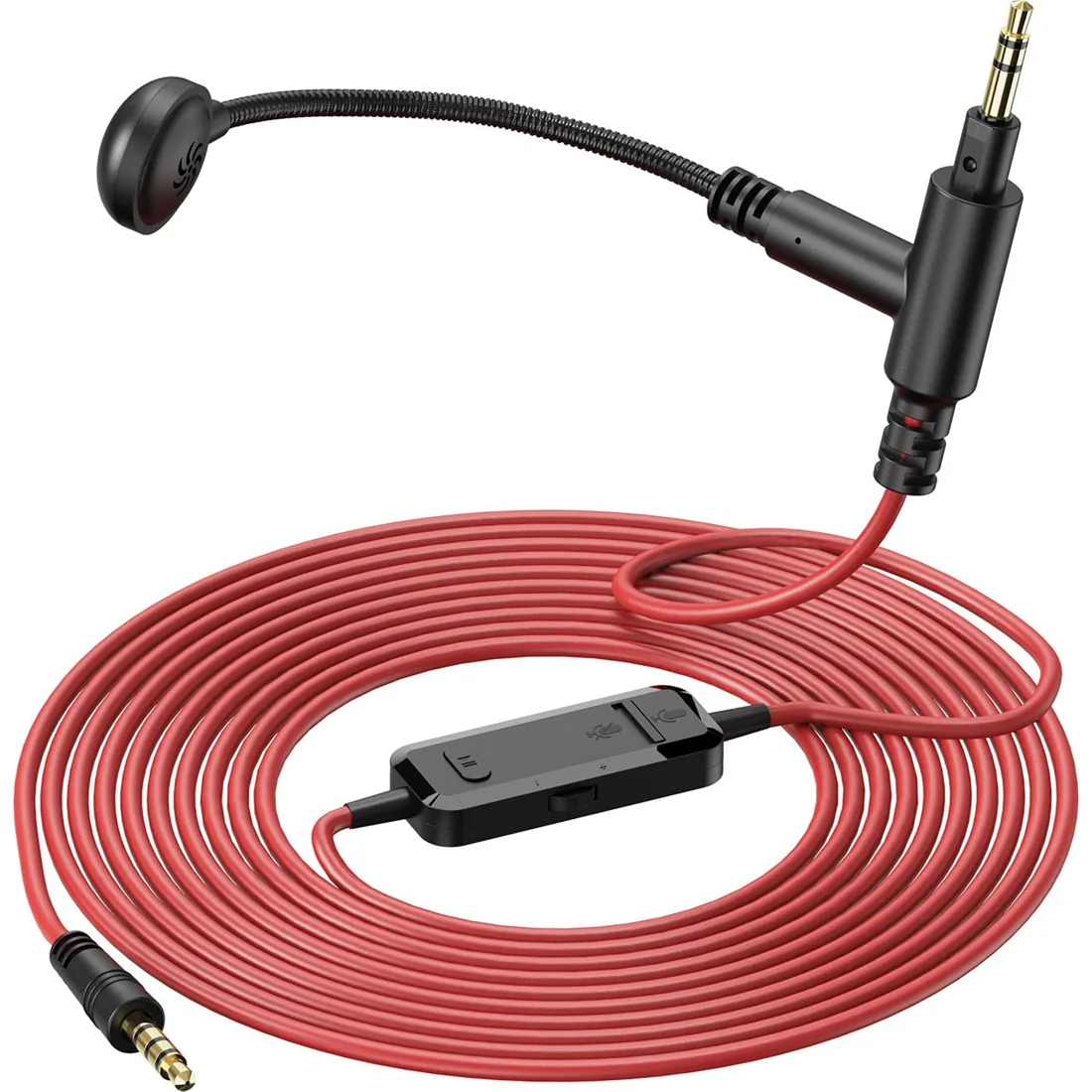
The adjustable boom mic allows for optimal positioning to capture your voice clearly without any background noise. Its flexible design ensures it stays in place during intense gaming sessions or lively streaming environments, providing you with a reliable and professional audio solution.
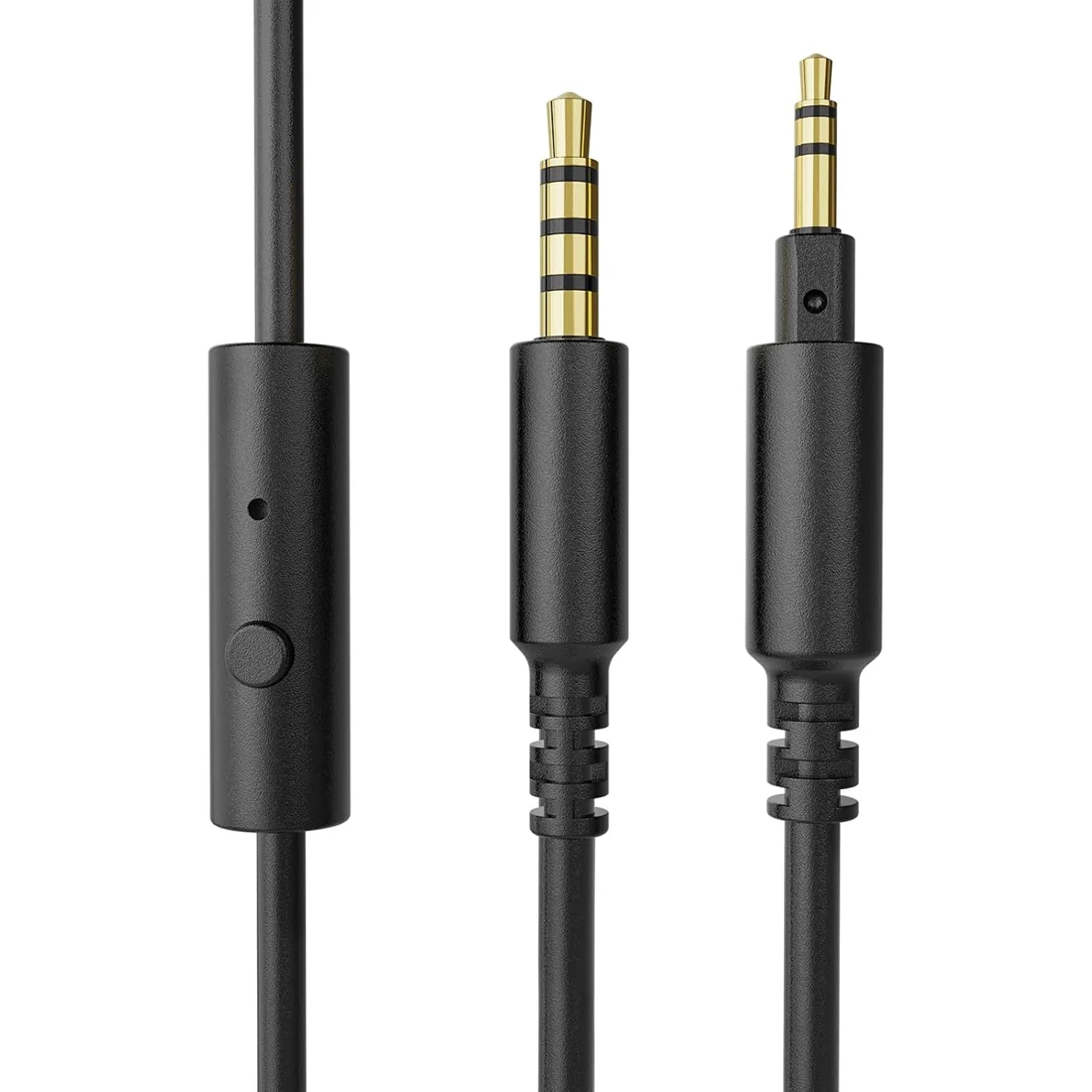
This 3.5 to 3.5mm Jack audio cable seamlessly connects your audio devices, such as smartphones, tablets, laptops, and more, ensuring high-quality sound transmission. The universal 3.5mm interface guarantees compatibility across a wide range of devices.
Clean headset ear pads gently according to the material and your headphone's care instructions. Avoid soaking the pads or allowing moisture into the earcups. Let surfaces dry before use. Check the exact replacement pad's model compatibility if the existing pads are worn, peeling or damaged.
Put ear pads back on using the attachment method for the exact headphone model. Check the mounting lip or attachment points and seat the pad evenly without forcing it. Replacement pads are model-specific; confirm compatibility before installation. Do not assume that pads with a similar diameter use the same mounting system.
A balanced headphone cable uses a different wiring arrangement from a standard shared-return connection. Plug size alone does not establish balanced compatibility. Our accessory descriptions identify their supported connectors and headphones; do not treat a 6.35mm or 3.5mm cable as balanced unless that configuration is explicitly supported by both devices.
Extend a headphone connection with a compatible extension that matches the required connector and wiring. Check whether you need stereo audio only or microphone signals as well. Compare the existing cable length with the intended setup, and keep connectors supported rather than pulling on the headphone socket.
The appropriate cable length depends on the cable and equipment in the setup. Choose enough reach without leaving unnecessary coils underfoot or tension on the connectors. Some OneOdio coiled cables specify their stretched length; compare that figure with the individual accessory details rather than assuming all cables have the same reach.