Microphones & Mixers
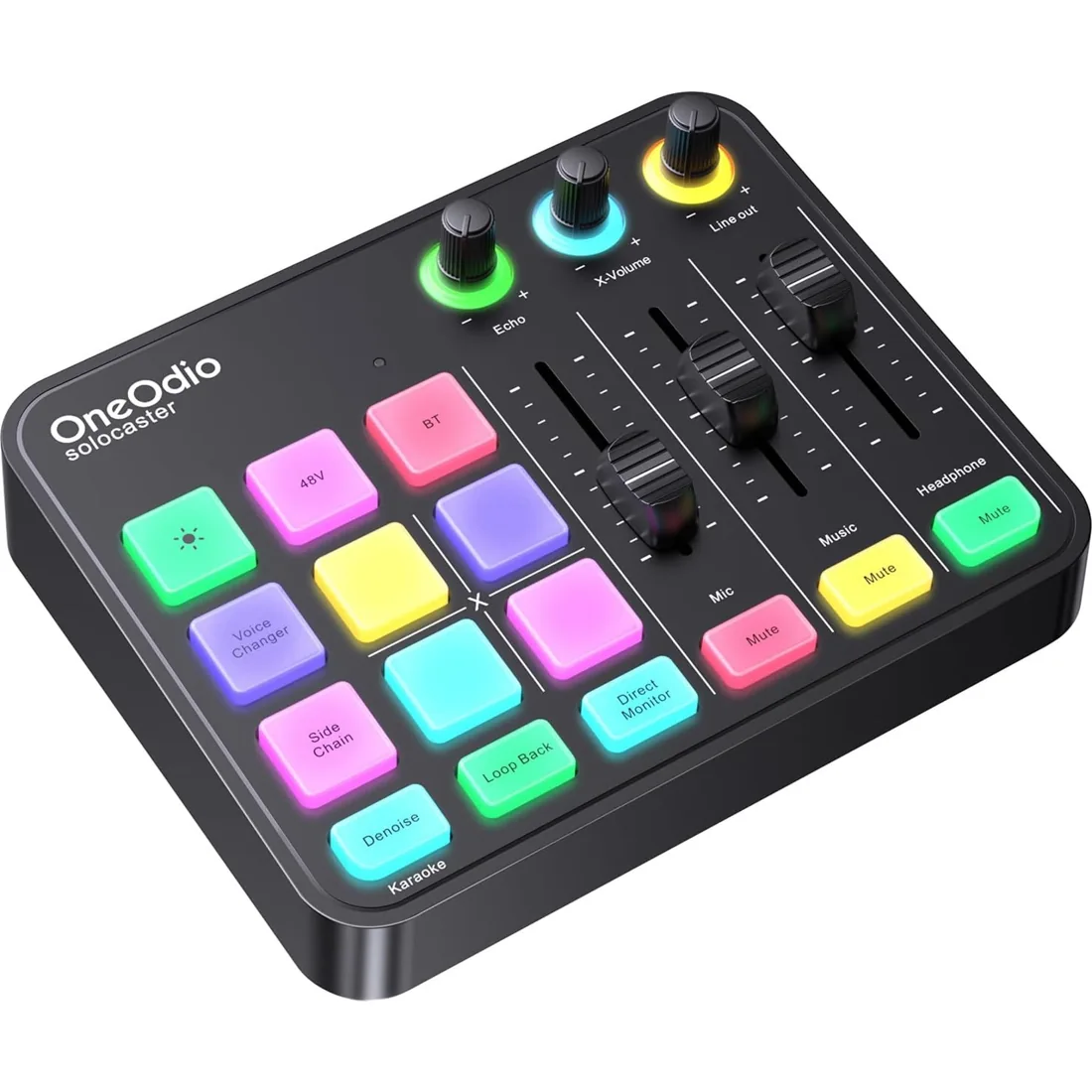
Solocaster Audio Mixer
A five-channel audio mixer with XLR microphone input, 48V phantom power, direct monitoring and hands-on streaming controls.
$27.50View Product ↗
OneOdio microphones and mixers help you put together a voice and audio setup around the equipment you already use. Explore the ON55 wired dynamic microphone for vocal applications and the Solocaster audio mixer for routing, monitoring and streaming controls. These products perform different jobs: a microphone captures your voice, while a mixer helps manage inputs and outputs. Check microphone connections, power requirements, cable contents and destination devices before choosing a combination. The Solocaster includes several connection types and hands-on controls, while the ON55 uses a wired connection. Open each product below for its specific features and available Amazon purchase option.
A five-channel audio mixer with XLR microphone input, 48V phantom power, direct monitoring and hands-on streaming controls.
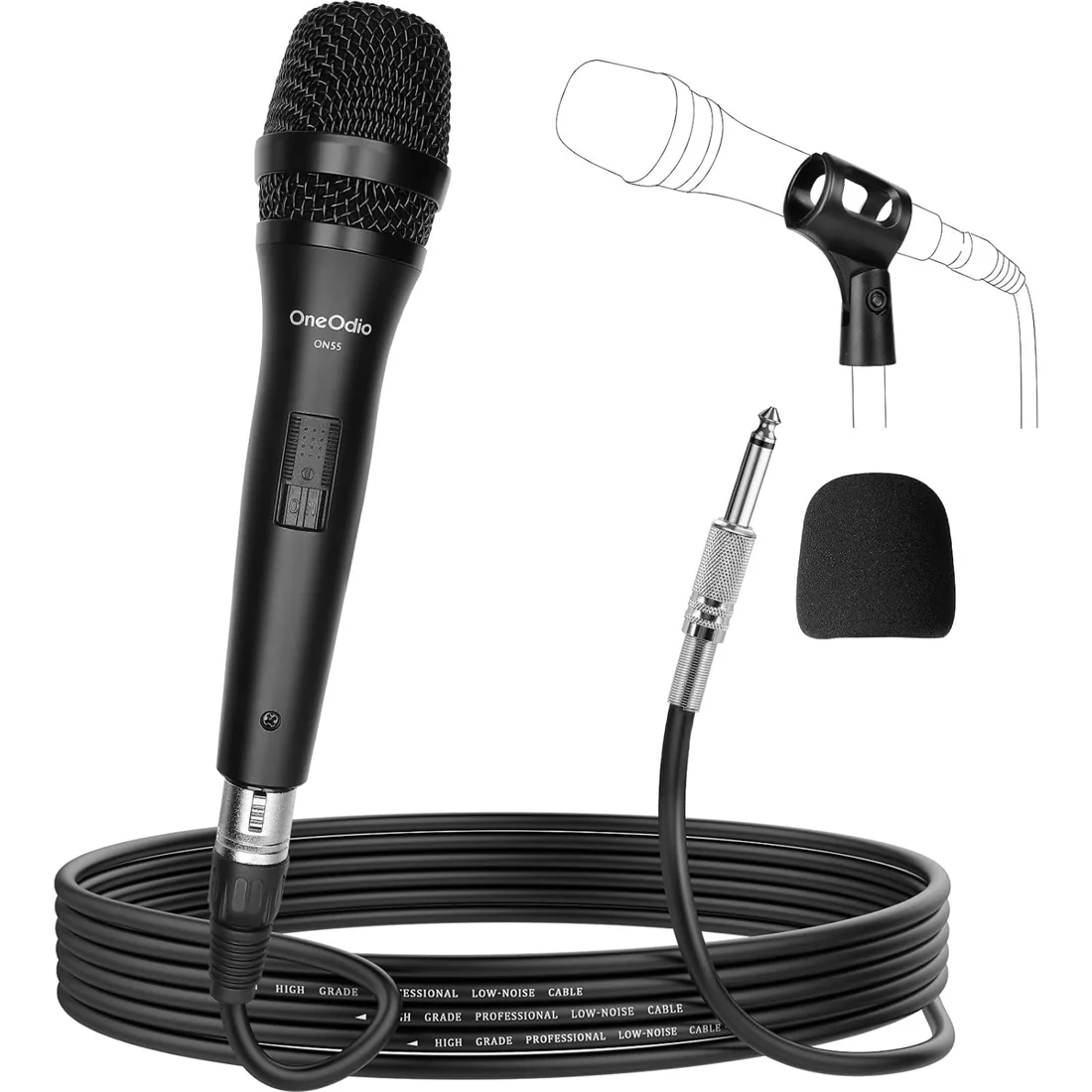
【HIGH-PERFORMANCE VOCAL MICROPHONE】With Wider Response Frequency and Higher Acceptable Sound Pressure Level, The On55 Dynamic Microphone Delivers Higher Quality Sound and More Sound Details, Perfect For Recording Studio and Singing Applications.
A microphone can fail to record when the wrong input is selected, a mute is active or a connection is incomplete. Check the microphone cable, mixer routing and application input settings. Match the microphone's connection and power requirements to your equipment. Turn monitoring levels down before reconnecting equipment.
A condenser microphone uses a different capsule design from a dynamic microphone and needs an appropriate power source. Our ON55 is a wired dynamic microphone. The Solocaster offers 48V phantom power for compatible XLR microphones; check a microphone's requirements before enabling power or connecting it to a mixer.
Choose a microphone by your sound source, recording environment and input connection. For the ON55, check that your destination equipment supports the supplied wired connection. If you also need routing, direct monitoring or streaming controls, compare the Solocaster separately. A microphone and a mixer are different components of the setup.
The ON55 and audio mixer prices are displayed with their individual product options when a price is available. A complete setup may also need suitable headphones, cables or other equipment. Review the package contents and confirm the final price on Amazon before ordering.
Select the intended microphone input in your recording application, record a short spoken sample and play it back. Start with conservative gain and monitoring volume. If you use a mixer, check its mute and routing controls as well as the application settings. Test again after changing a cable or input.